


About This Game
Hold the Line turns your chat into a zombie horde. Your squad holds a sandbag barricade across a suburban street at dusk and pushes it up the road on its own while a turret truck splats the faceless horde. There is nothing to steer, so you can talk to chat the whole time. The big number on stream is metres held: how far up the street the line stands.
Gifts send goofy cartoon zombies wearing the sender's own TikTok profile picture sprinting at the barricade, and when one slams the sandbags the line is shoved back; airstrikes and a tank column push it forward. Gifts are priced in metres, in both directions, so the number you set in Studio is exactly the distance — an airstrike and a zombie of the same size cancel exactly. Likes send little crawlers tagged with the liker's name, and new followers parachute in as soldiers with their faces on their helmets.
A Galaxy brings THE GIANT, who grabs the barricade. A ten-second countdown asks for one Gunship gift to knock it over; if nobody sends it, the line is thrown back to the start. Reach the evac point and the line has to hold for six seconds while the chopper lands to win. The line, the goal and every gift amount come from the ScrollPlay game server.
Features
Your Chat Is the Horde
Gifts become zombies wearing the sender's own face, and every new follower joins your squad
Hands-Free Defence
The squad advances and the turret aims itself, so you can talk to chat the whole time
The Giant and the Gunship
A Galaxy giant grabs the barricade, and one gift from chat in time calls in the gunship
Server-Simulated Line
The advance, every gift's metres and the evac all run on the ScrollPlay game server
How to Play
- 1
Download the Launcher
Install the free ScrollPlay launcher for Windows
- 2
Sign In
Create an account or sign in with your existing credentials
- 3
Connect TikTok
Link your TikTok Live stream so gifts reach the game in real time
- 4
Hold the Street
Launch Hold the Line and let the squad advance — your chat brings the zombies
Audience Gift Mapping
Push the line forward
- Finger Heart
- airstrike — two jets clear the road ahead: 40 m forward
- Hand Heart
- gunship — during the Giant's countdown, a gunship topples it and the line keeps every metre
- Leon the Kitten
- tank column — three cartoon tanks roll up past the barricade: 200 m forward
- Follow
- soldier — the new follower parachutes in with their face on the helmet: 5 m forward
Shove it back
- Rose
- shambler — a zombie with the sender's face bangs the sandbags: 1 m back
- Likes
- crawler — every 20 likes, a tiny zombie tagged with the liker's name: 1 m back
- Gold Boxing Gloves
- sprinter — a fast zombie vaults a car and slams the wall: 5 m back
- Doughnut
- brute — a big zombie body-slams the sandbags: 10 m back
- Confetti
- horde wave — ten zombies, every one wearing the sender's face: 20 m back
- Money Gun
- armored zombie — a huge zombie with the sender's face in its visor rams the barricade: 40 m back
- Galaxy
- THE GIANT — grabs the barricade; unless chat calls the gunship within ten seconds, the line goes back to the start
These are the default bindings. Every amount is METRES and is owned by the ScrollPlay server: an airstrike and a zombie of the same size cancel exactly. The zombies are cartoon and goofy — no gore, and a zombie wearing a viewer's face is never shot: it lands its hit and poofs into dust. Streamers can rebind any gift or create custom actions in Studio Mode.
Gameplay: your chat is the cast
Most TikTok LIVE games give chat a lever to pull. Hold the Line puts the viewers who send gifts into the game as zombies wearing their own faces, charging your barricade while the whole stream watches the name above each one. A Confetti becomes a horde of ten of the same face; a Money Gun, an armoured zombie with that face in its visor.
The line never stops moving on its own, so every gift is a fight between two halves of your chat: the zombies pushing it back and the airstrikes pushing it forward. There is no floor — shove it behind the start line and the street becomes the town square, with the number in red.
Built for TikTok Live streamers
There is nothing to play: the squad advances, the turret aims itself and a pause key covers your breaks, so Hold the Line is a game you can leave running while you host. The evac point is a chat moment of its own — the chopper takes six seconds to land, and one big zombie can abort it. Studio Mode shows every action with its default gift, lets you rebind them, set your own amounts and test-fire them before you go live.
Hold the Line — frequently asked questions
Is Hold the Line free, or do I need a Play Pass?
Hold the Line is a Play Pass game, so it needs an active subscription on your ScrollPlay account. The launcher itself is a free Windows download, and your viewers are never charged anything beyond the gifts they choose to send.
Do I have to play?
No. The squad pushes the barricade up the street by itself and the turret aims itself, so there is nothing to steer. Your chat supplies the zombies, and you host.
Is it gory?
No. It's a cartoon: goofy green zombies, dust puffs and paint splats. A zombie wearing a viewer's face is never shot — it hits the sandbags, bounces off and poofs into purple dust.
What does the Giant do?
A Galaxy brings THE GIANT, who grabs the barricade. A ten-second countdown asks chat for the Gunship gift; send it in time and the giant topples with nothing lost. Otherwise the line is thrown back to the start.
Can I play Hold the Line in the browser?
Not yet. Hold the Line runs in the ScrollPlay desktop launcher for Windows.
18 games made for TikTok LIVE
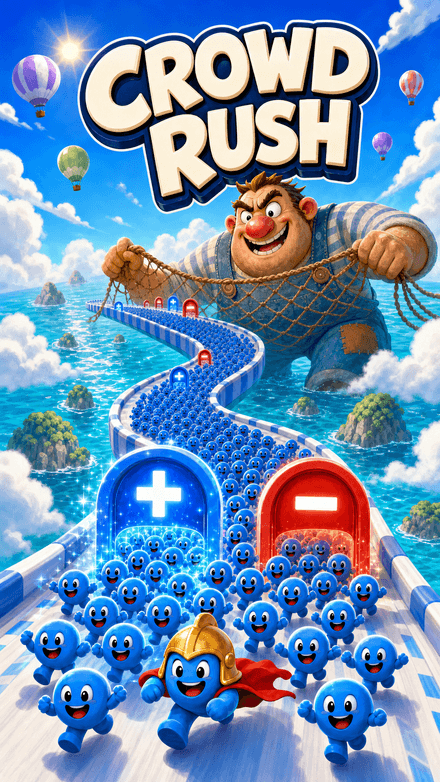 Crowd RushThe crowd is the score.
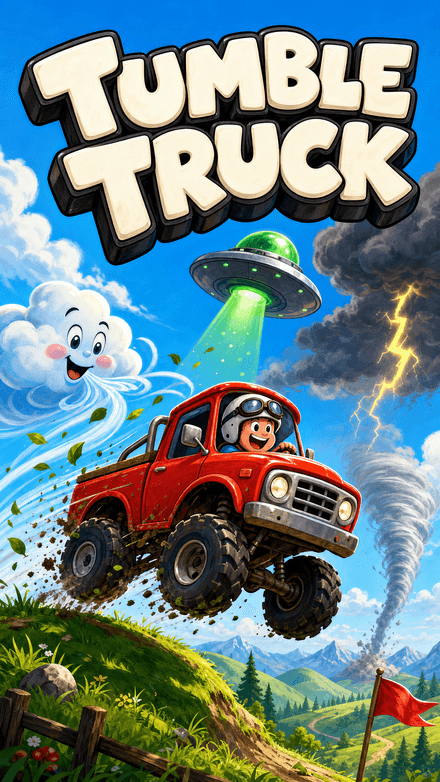 Tumble TruckChat decides how far you get.
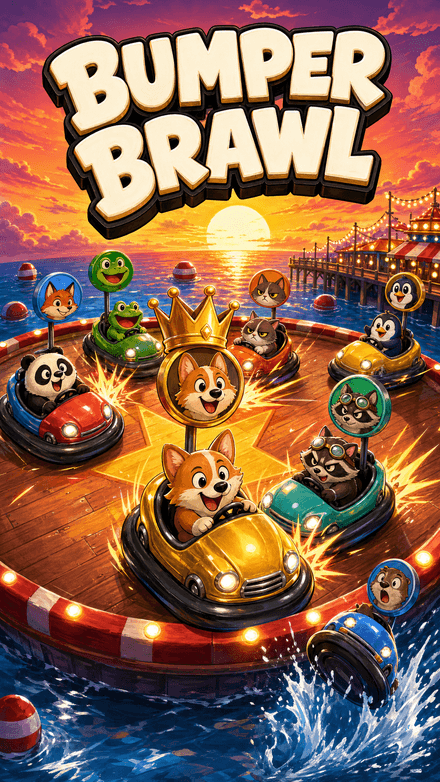 Bumper BrawlYour viewers are the players.
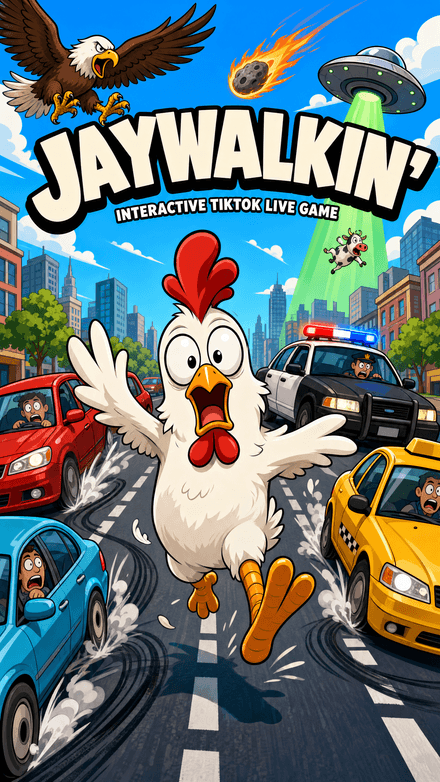 Jaywalkin'Cross the city. Your chat decides how far you get.
 Flap DashFlap through the pipes and grab the coins in a chunky 3D world — every pipe, coin and goal is scored server-side.


