ScrollPlay on video
Short videos showing what ScrollPlay actually looks like: Playground, the no-code game builder; the Play Pass catalogue in motion; and the five-step setup. All of them are real capture, not mockups. If you would rather read it, start with the setup guide.

Playground: build it, play it, go live, share it
An island built piece by piece in the editor, stairs dragged out of a single platform, a new sky, a gift rule in one line — then the games on stream, while viewers' gifts bring a storm, drop in a zombie horde and turn the player into a giant.
Also on the Playground page.

The Play Pass catalogue in 30 seconds
An eagle airlifts a runner forward. A steam train drives them back down the course. A rocket takes blocks off a tower. Every one of those is a viewer sending a gift — plus likes and follows, which drive the games too.
Also on the Play Pass catalogue and the pricing page.
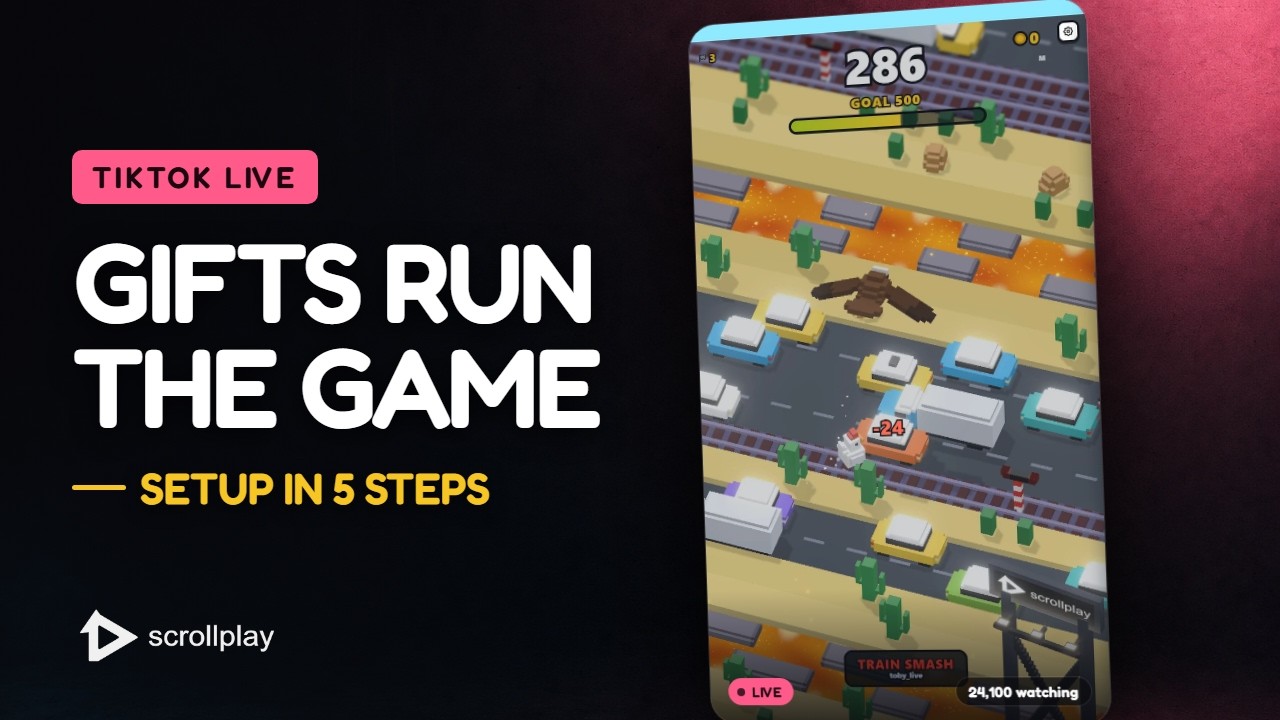
Setting up in five steps
Download the launcher, sign in, install a game, connect your TikTok username, and capture the game window in TikTok LIVE Studio or OBS. That is the whole setup — no capture card, no plugin, no scene file to import.
Also on the download page and in the setup guide.


