Download the ScrollPlay Launcher
Free for Windows 10 and 11. Three games are free to play, the rest unlock with one Play Pass, and your viewers' TikTok gifts, likes and follows drive every one of them. Setup takes about five minutes.
ScrollPlay-2.2.40-setup.exe · Windows 10 or later

Why Use the Launcher?
Instant Play
Games are optimized for quick loading. Jump into the action within seconds.
Auto Updates
Always play the latest version. Updates are downloaded automatically in the background.
Straight from ScrollPlay
Every update comes from ScrollPlay's own servers and is checked before it installs, so you always run the official build.
System Requirements
ScrollPlay-2.2.40-setup.exe · Windows 10 or later
| Minimum | Recommended | |
|---|---|---|
| OS | Windows 10 | Windows 11 |
| Processor | Intel Core i3 / AMD Ryzen 3 | Intel Core i5 / AMD Ryzen 5 |
| Memory | 4 GB RAM | 8 GB RAM |
| Graphics | Integrated Graphics | Dedicated GPU |
| Storage | 500 MB | 1 GB SSD |
| Network | Broadband Internet | Low Latency Connection |
How to Install
- 1
Download the Installer
Click the download button above to get ScrollPlay-2.2.40-setup.exe.
- 2
Run the Installer
Open the file you downloaded. If Windows shows “Windows protected your PC”, click More info, then Run anyway — then pick where to install ScrollPlay.
- 3
Installation
The installer sets up ScrollPlay. Games download inside the launcher the first time you open each one.
- 4
Sign In & Play
ScrollPlay launches automatically. Sign in or create an account and start playing!
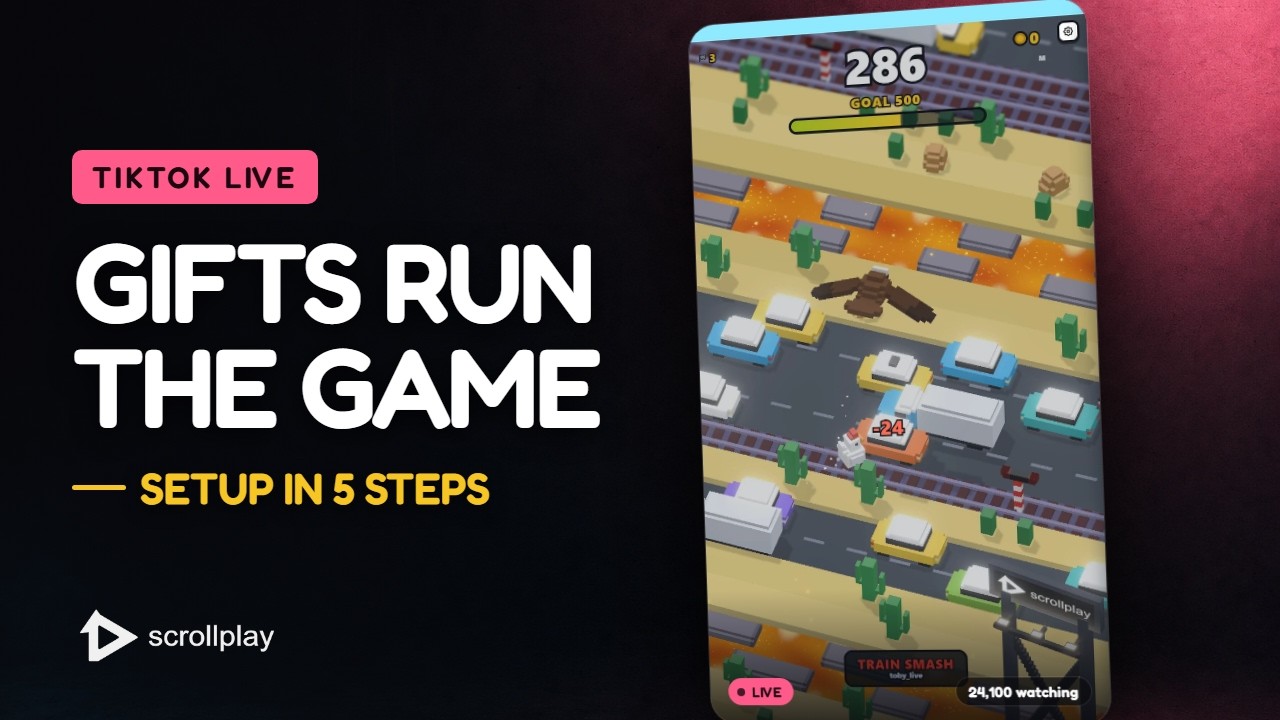
The whole setup in 30 seconds — download, connect your TikTok, go live.Watch on YouTube ↗


