TikTok Live Interactive Games
ScrollPlay is a launcher for interactive TikTok Live games — games where your viewers control what happens on screen. TikTok gifts, likes, and follows trigger real in-game events in milliseconds: power-ups, hazards, forced wire cuts, lightning strikes.
You play. Your audience steers. Every stream becomes a tug-of-war between you and thousands of viewers who can help you win or gleefully sabotage the run.





- coins gifted on ScrollPlay streams
- 31M+
- LIVE streams played with ScrollPlay
- 5,400+
- games built for TikTok LIVE
- 31
- languages across the site and the Windows app
- 12
How interactive games work on TikTok Live
A viewer sends a gift
Roses, hearts, TikToks — sent from live chat the way they always are.
The game reacts instantly
Every gift maps to a real in-game event that fires in milliseconds.
The streamer plays it out
Dodge the hazard, ride the power-up — the audience steers the run.
A normal TikTok Live stream is one-directional: you perform, viewers watch. An interactive game flips that. ScrollPlay connects to your live session and turns every audience action into a game event. When a viewer sends a Rose, the game reacts. When someone follows, the game reacts. When the whole chat spams likes, the game really reacts.
Every game in the ScrollPlay catalog is designed around this loop. Effects are not cosmetic overlays or sound alerts — a gift genuinely changes the gameplay. In Gnome Jump, a Rose lifts you one platform up the beanstalk while a TikTok gift kicks you one back down — and bigger gifts move you ten or a hundred at a time. In DEFUSE!, gifts add seconds to the fuse or burn them while the bomb tech works the wires. The audience is not watching the game. The audience is in the game.
Because effects are driven by gifts, interactive games also change the economics of a live stream: viewers send gifts to do something, not just to be noticed. Streamers running interactive games consistently see longer watch times, more comments, and more gifting than reaction or chat formats — and that engagement signals TikTok to push the live to more viewers.
Interactive TikTok games your viewers can control

Gnome Jump
3D Platformer
DEFUSE!
Puzzle
Jello Merge
Casual Stacking
Classroom Doodle
Casual Survival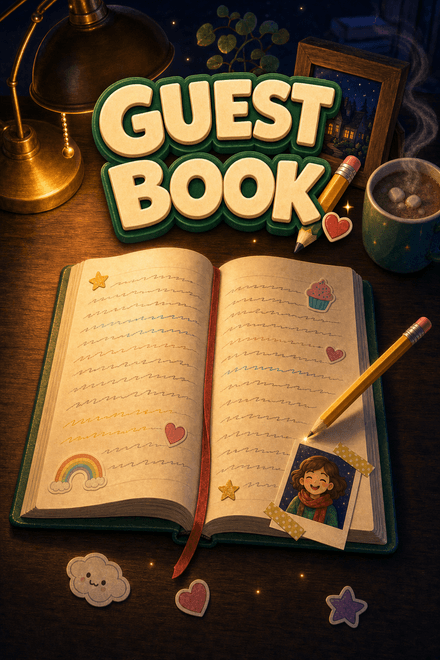
Guestbook
Every viewer signs the book.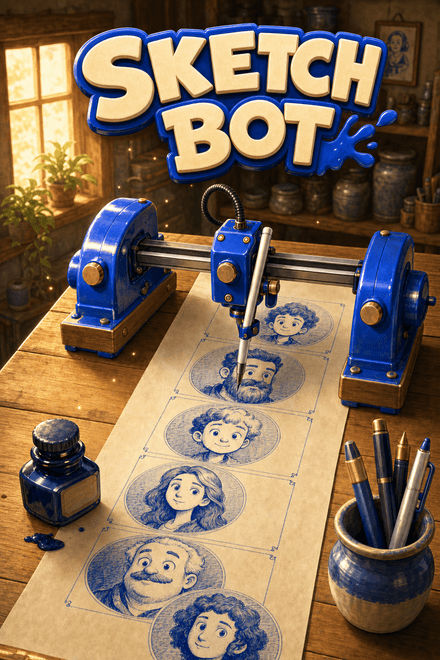
Sketch Bot
A robot that draws your chat, one face at a time.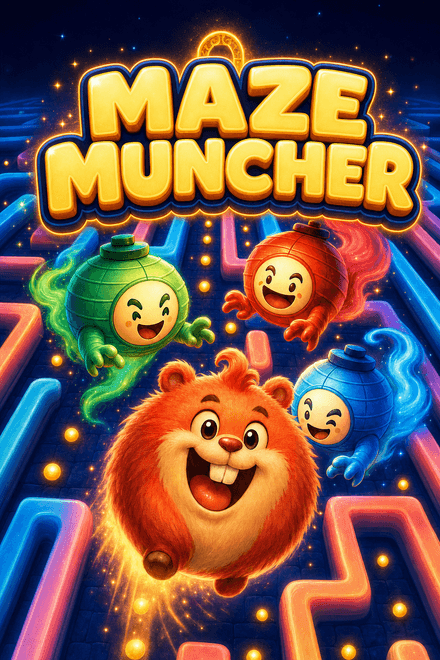
Maze Muncher
The maze chase that plays itself.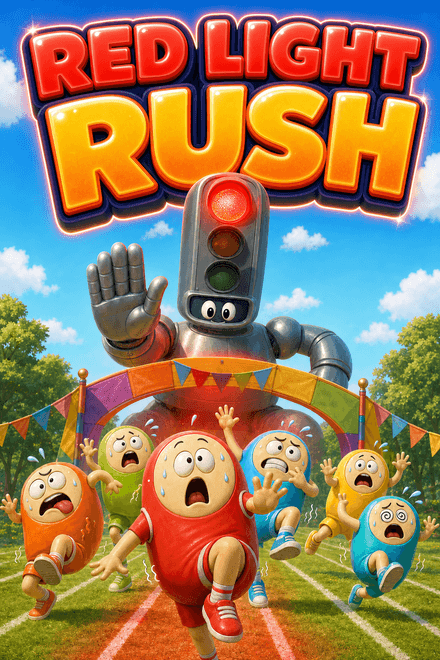
Red Light Rush
Chat races the host. Stop when the light goes red.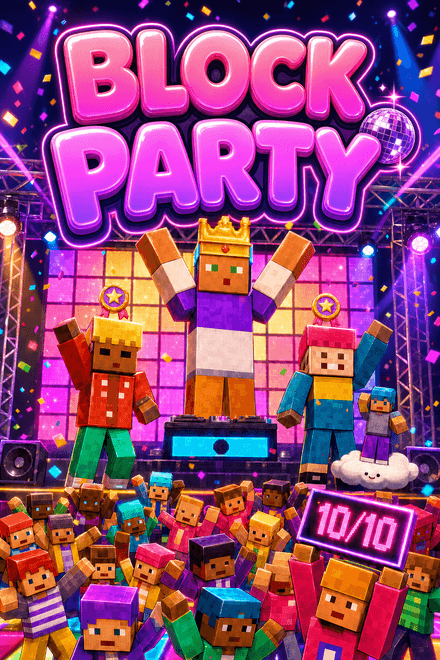
Block Party
Every comment is a dancer. Every dancer gets rated.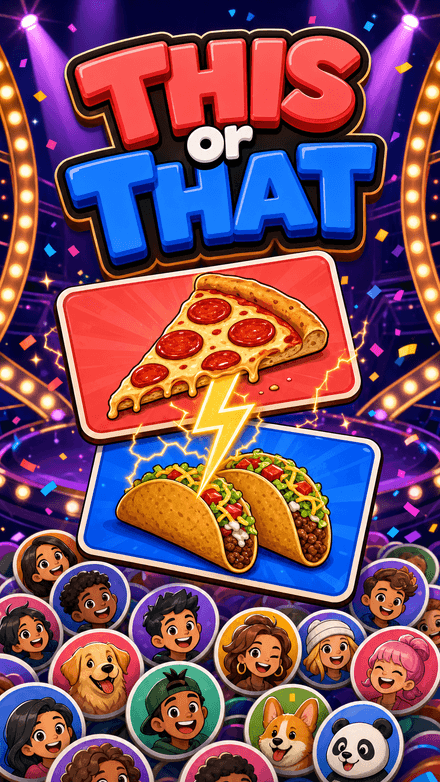
This or That
Pick a side. Your face goes on it.
Quiz Rocket
One chat. One rocket. Fifteen rungs to the Moon.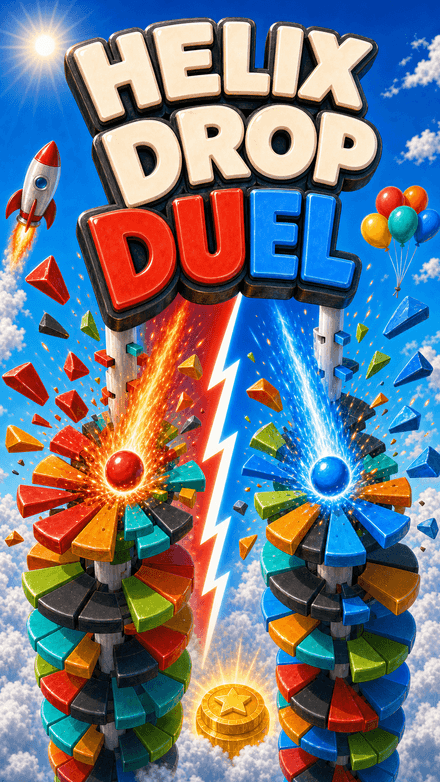
Helix Drop Duel
Two balls. Two teams. One tower.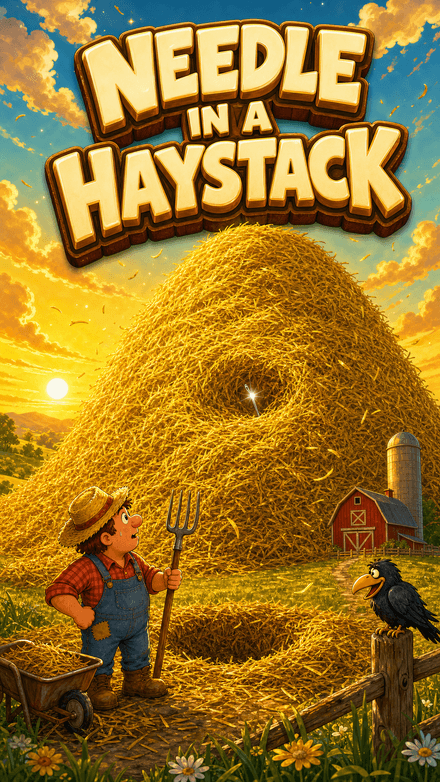
Needle in a Haystack
The hay is the distance.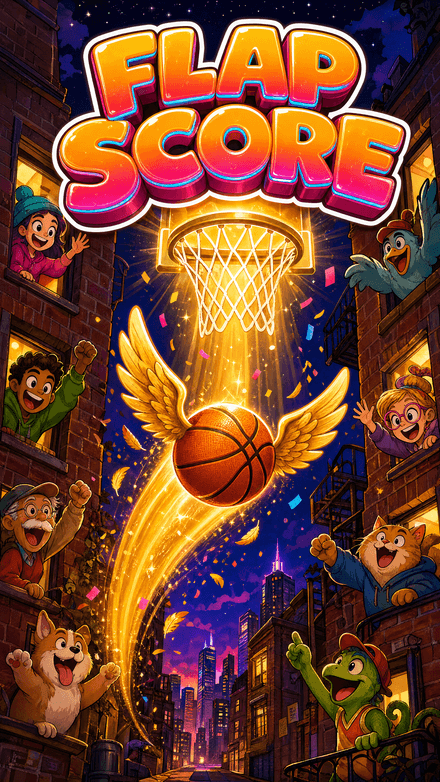
Flap Score
Every hoop counts.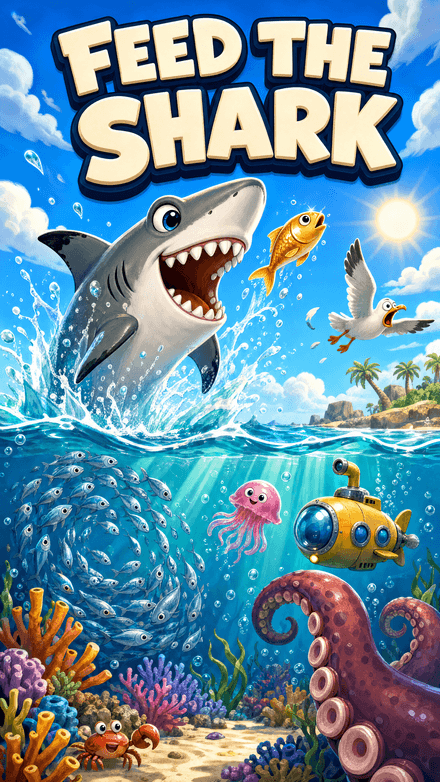
Feed the Shark
The weight is the score.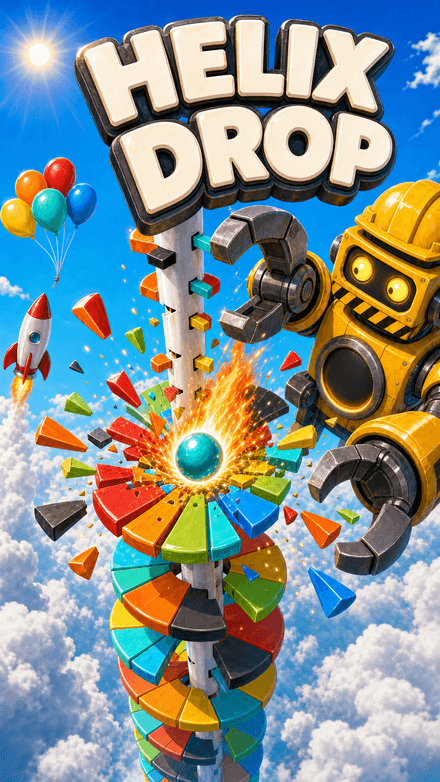
Helix Drop
The floor is the score.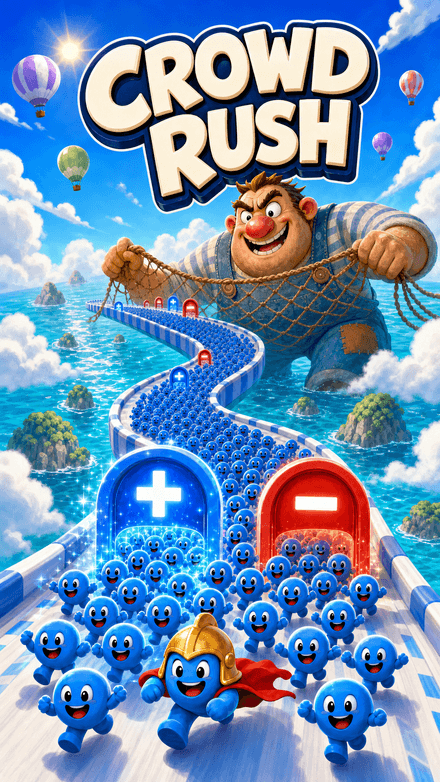
Crowd Rush
The crowd is the score.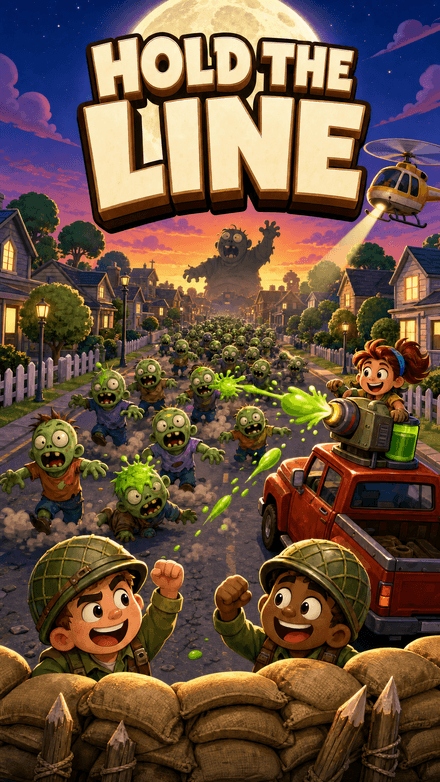
Hold the Line
Your chat is the horde.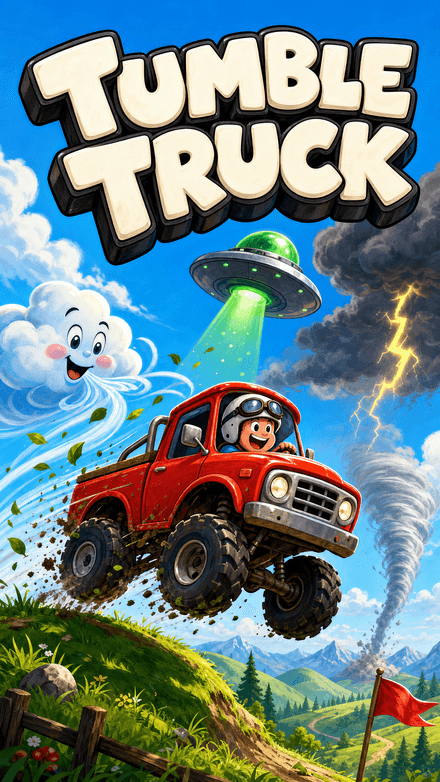
Tumble Truck
Chat decides how far you get.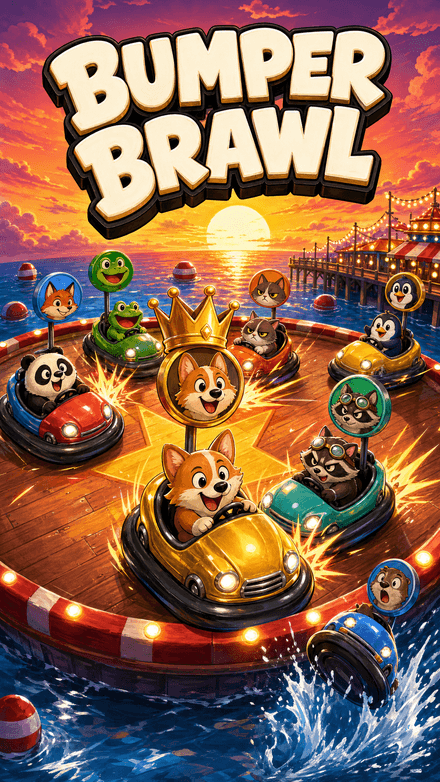
Bumper Brawl
Your viewers are the players.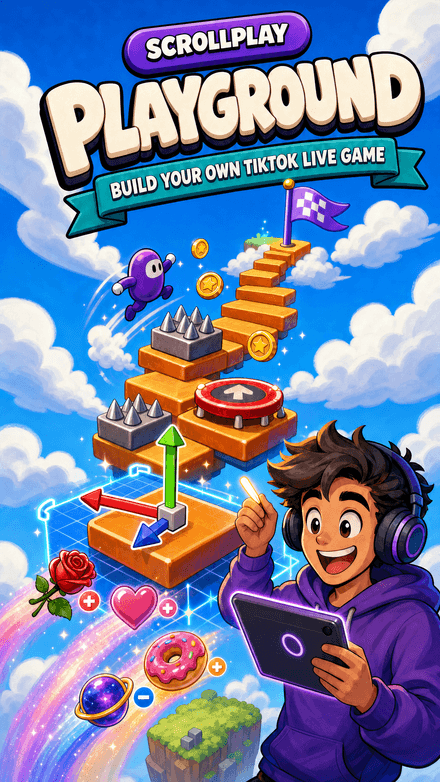
ScrollPlay Playground
Community games, played live.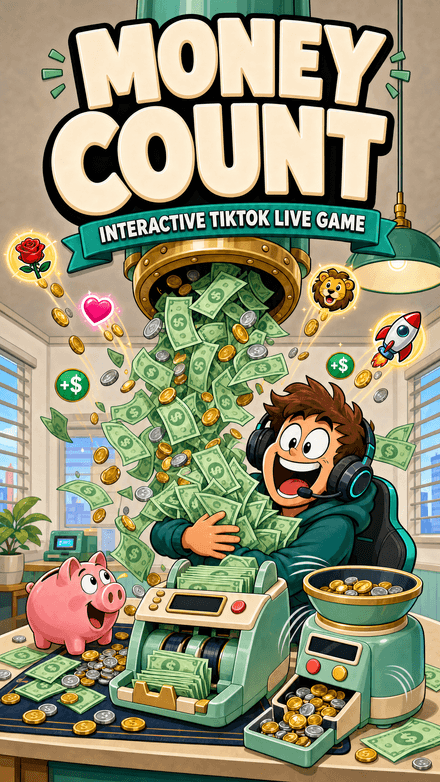
Money Count
Every gift drops real payout.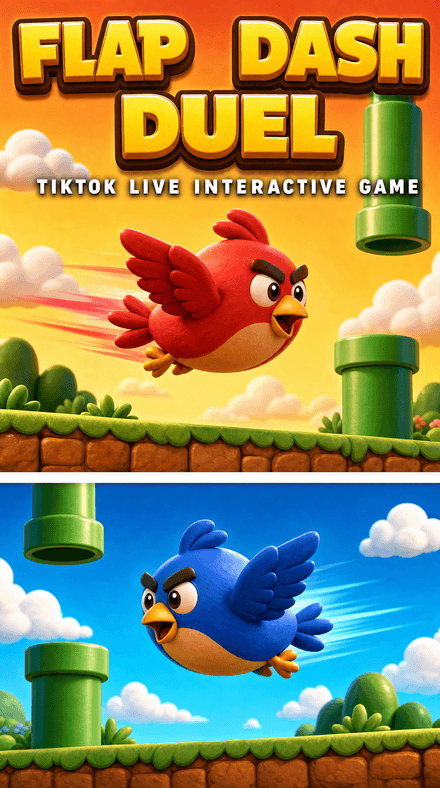
Flap Dash Duel
Two birds. Two teams. One course.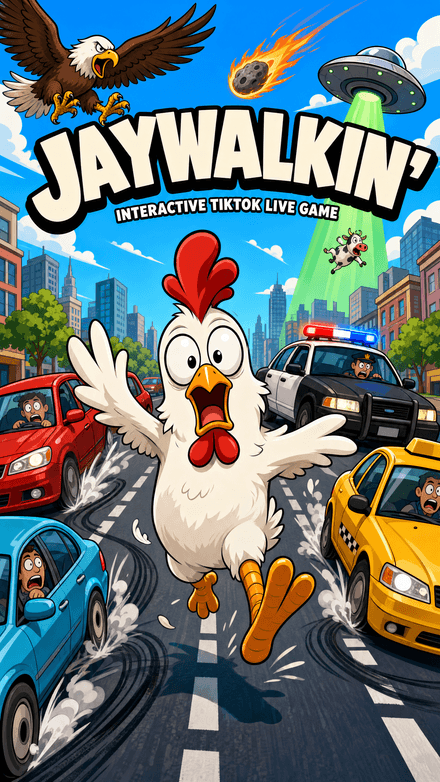
Jaywalkin'
Cross the city. Your chat decides how far you get.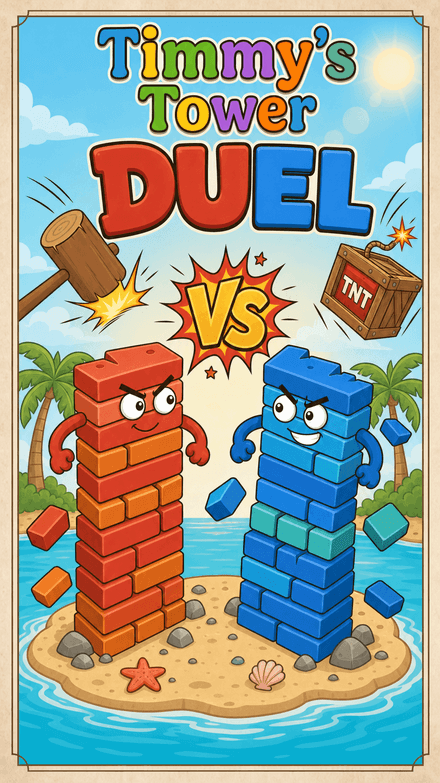
Timmy's Tower Duel
Two towers. Two teams. One winner.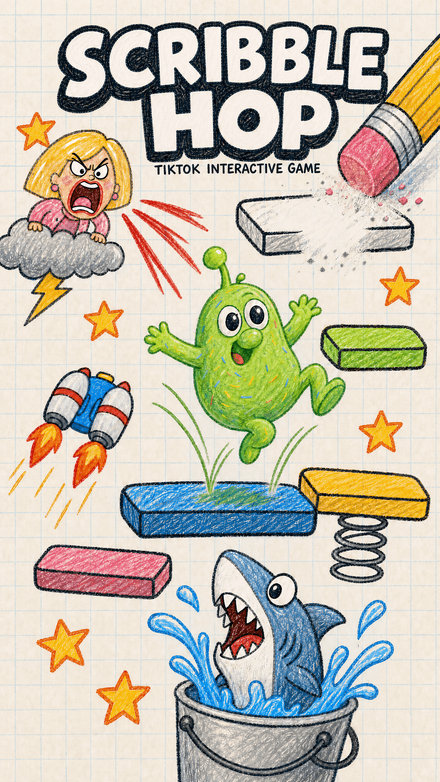
Scribble Hop
Bounce up the page. Your chat holds the pen.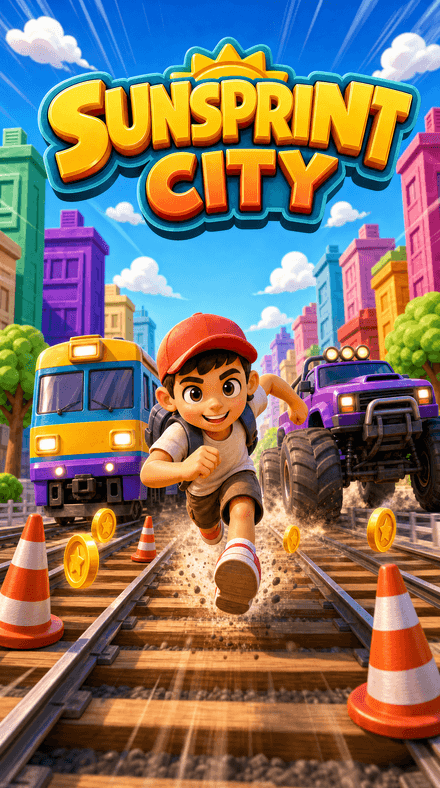
Sunsprint City
Sprint the railyard. Your chat decides how far you get.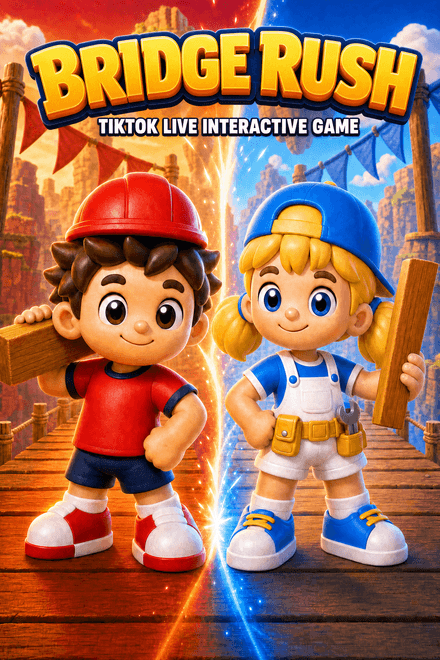
Bridge Rush
Two teams. One canyon. Your chat picks a side and builds the bridge.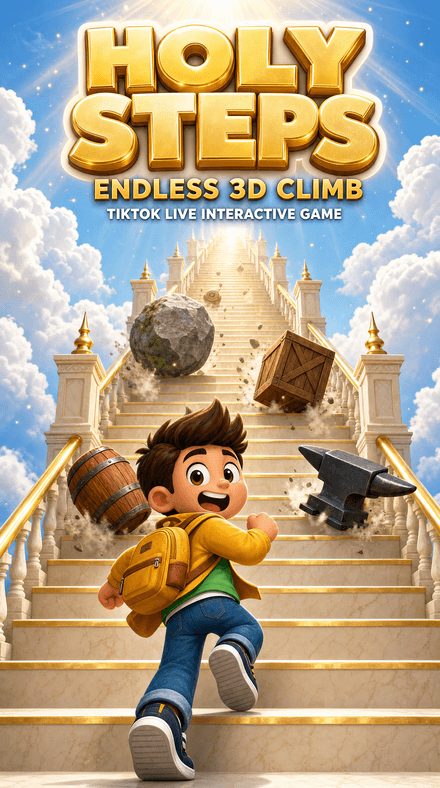
Holy Steps
Climb the endless staircase while your audience throws bombs, ice and rams — or sends wings to save you.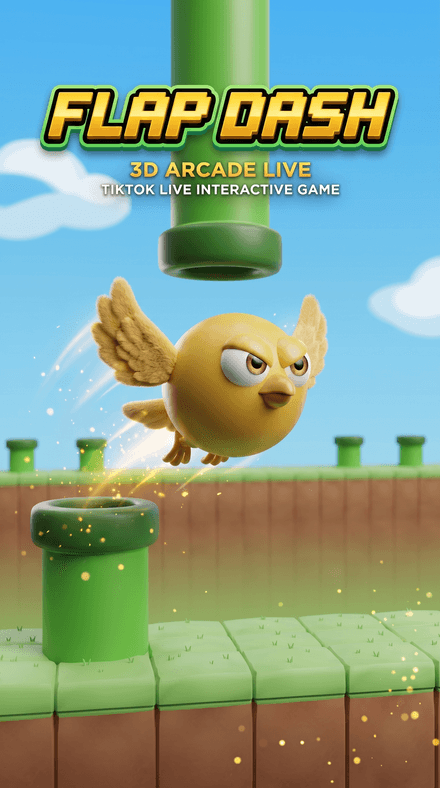
Flap Dash
Flap through the pipes and grab the coins in a chunky 3D world — every pipe, coin and goal is scored server-side.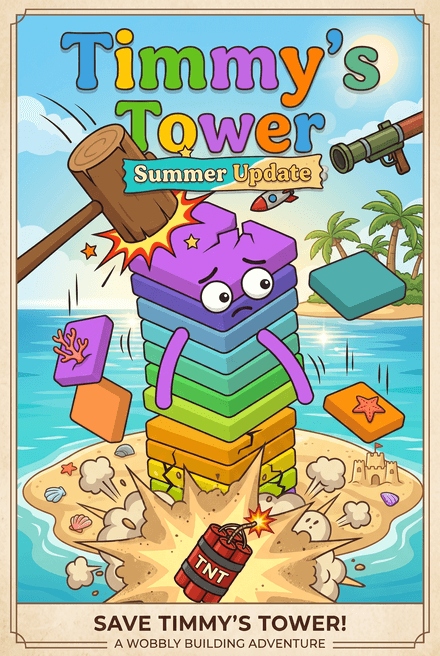
Timmy's Tower
Stack the tower block by block while TikTok gifts smash it back down — heal, rebuild, and race to the goal.


Games you can leave running
Want to go AFK and just talk to chat? These keep playing without you touching anything.
Viewers run it
There's nothing for you to play: every gift is a move, and chat decides who wins.
Autoplay
Switch on autoplay in the game's settings and it drives itself while gifts push it around.

Recognize a classic? There's an original in that style


How to set up an interactive game on TikTok Live
Follow the setup guide — launcher install, TikTok connection, Live Studio capture and a gift test, about five minutes end to end.
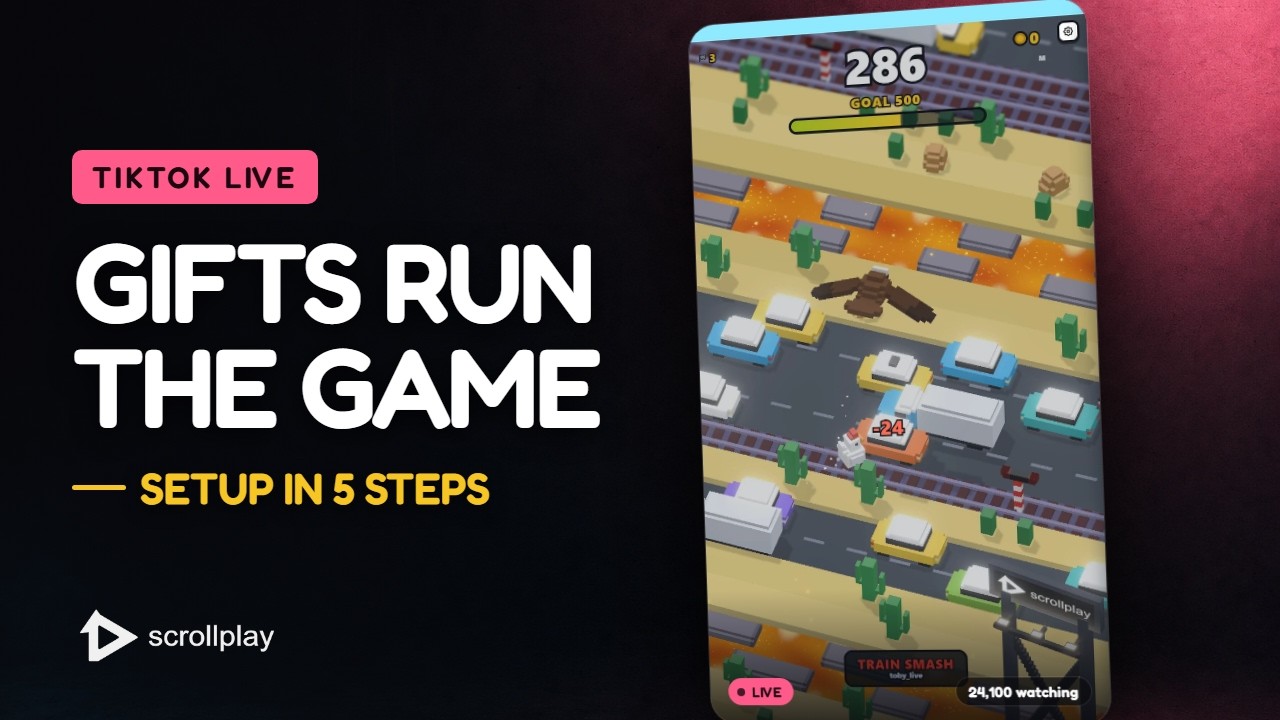
The whole setup in 30 seconds — download, connect your TikTok, go live.Watch on YouTube ↗
- 1
Open ScrollPlay
Play in a compatible browser on Windows, Mac, iPhone/iPad or Android, or use the Windows desktop launcher.
- 2
Sign in and connect your TikTok username
The launcher listens to your live session for gifts, likes, and follows.
- 3
Pick a game from your library
Launch Gnome Jump, DEFUSE!, Jello Merge, or Classroom Doodle.
- 4
Add the game window in TikTok Live Studio
The game runs in its own capture-ready window with a built-in overlay.
- 5
Go live
Gifts start triggering in-game events immediately — tell your chat what each gift does.
TikTok Live interactive games — FAQ
What are TikTok Live interactive games?
TikTok Live interactive games are games built for live streaming where the audience changes what happens on screen in real time. Viewers send TikTok gifts, likes, or follows, and each one triggers a defined event inside the game — a power-up, a hazard, a forced wire cut, a lightning strike. The streamer plays; the audience steers the outcome.
How do viewers control the game on TikTok Live?
ScrollPlay connects to your TikTok Live session and listens for gift, like, and follow events. Each event is wired to an in-game effect — for example, a Rose makes the gnome in Gnome Jump do a rainbow jump, while a TikTok gift kicks him down the beanstalk. Events arrive in the game within milliseconds of the viewer sending them.
Do I need OBS or a capture card to stream interactive games on TikTok?
No. The ScrollPlay launcher includes a built-in overlay that works with TikTok Live Studio out of the box. Sign in, launch a game, add the game window as a source, and you are live — no capture cards, plugins, or scene configuration required.
Are ScrollPlay games free?
Web Launcher and the Windows launcher include three free games: DEFUSE!, Jello Merge and Jaywalkin’. Sign in to play without a subscription; Play Pass unlocks the Play Pass catalog, and Pro adds Pro titles.
Will interactive games get me banned from TikTok?
ScrollPlay games provide gameplay to capture or screen-share during your stream. Browser play works on computers and mobile devices; the desktop launcher is for Windows. TikTok LIVE access and broadcasting options depend on your TikTok account.
Why do streamers use interactive games on TikTok Live?
Because passive viewers scroll away and active players stay. When the audience can affect the game, average watch time, comments, and gifting all rise — viewers send gifts specifically to trigger effects and see their name cause chaos on screen. That engagement also feeds TikTok's algorithm, which pushes the live to more viewers.
What do I need to get started?
Open Web Launcher on Windows, Mac, iPhone/iPad or Android, or use the Windows desktop launcher. Sign in, choose a game and connect your TikTok LIVE in Studio. Capture your browser/game window on a computer, or share your phone screen using the streaming options available to your TikTok account. An internet connection and a compatible browser with 3D graphics support are required.
Your viewers are ready to play.
Keep reading

How to Stream Interactive Games on TikTok Live
Step-by-step setup: launcher install, TikTok Live Studio capture, gift testing, and going live — about five minutes end to end.Read the guide
Free Interactive Games for TikTok LIVE
What you can stream without paying: three free games, free overlays and gift actions — and exactly where the free tier stops.Read the guide
Best Interactive Games for TikTok Live (2026)
The interactive TikTok Live games that actually hold an audience — what each one does, which gifts trigger what, and which fits your stream.Read the guide- IdeasTikTok LIVE Game Ideas: 14 Interactive Formats
- Hands-freeHands-Free TikTok LIVE Games: Let Chat Play
- BattlesTeam Battle Games for TikTok LIVE (Red vs Blue)
- GrowthHow to Get More Gifts on TikTok LIVE
- CreateHow to Create Interactive TikTok LIVE Games
- StudioHow to Set Up Studio Mode: Overlays, Gift Actions & Capture
- ReferenceHow TikTok Gifts Trigger In-Game Events
- CaptureTikTok LIVE Studio vs OBS for Interactive Games