


About This Game
Guestbook is a guestbook for your TikTok LIVE. An open book lies on a wooden desk, and a pencil writes your chat into it as it happens: comment or follow and your name is handwritten on the next line, with a friendly word beside it chosen from what you did. New here, back again, first of the stream, a regular: the word fits the viewer.
Nobody has to do anything. Guestbook runs itself: the pencil works through the queue, the pages fill line by line and the book turns to a fresh spread when it runs out of room, while you talk to chat. Likes count too. If your line is on the open spread, every 10 of your likes adds a little heart beside it, and by default every 100 likes from the whole room add a doodle in the margin.
Gifts get you written sooner and richer: a red heart for a Rose, coloured ink for a Finger Heart, a row of stickers for a Doughnut, the gold fountain pen with your photo taped beside your name for a Hand Heart, a page of your own for a Money Gun, and Guest of Honour for a Galaxy, whose photo then stands in a frame on the desk. More gifts while your line is waiting upgrade that same line instead of filling the page with your name. And the book remembers: come back for another stream and your line shows how many times you have visited and how many streams in a row. The queue, the layout of every page, the words and the room's memory are worked out on the ScrollPlay game server.
Features
Chat Signs the Book
Every comment and every follow puts the viewer's name on the next line in pencil, with a friendly word beside it
Gifts Write Richer
Coloured ink, stickers, a gold pen with the sender's photo, or a whole page of their own
The Book Remembers
Returning viewers see their visit count and their streak of streams beside their name
Likes Leave Hearts
Likes add hearts beside a viewer's own line and earn the room doodles in the margin
How to Play
- 1
Download the Launcher
Install the free ScrollPlay launcher for Windows
- 2
Sign In
Create an account or sign in with your existing credentials
- 3
Connect TikTok
Link your TikTok Live stream so comments, likes, follows and gifts reach the game in real time
- 4
Open the Book
Launch Guestbook and the pencil starts writing names as soon as chat joins in
Audience Gift Mapping
Free to play
- Comment
- A line — the viewer's name in pencil on the next free line, with a friendly word. One waiting line per viewer, and one free line each per spread.
- Follow
- Write a Line — the new follower's name on the next free line with a thank-you for the follow, once per follower per stream.
- Likes
- Hearts — every 10 likes add a heart beside the viewer's line on the open spread (up to 5), and every 100 likes from the room add a doodle in the margin.
Richer lines
- Rose
- Heart Line — the sender's name in pencil with a red-ink heart. More Roses while it waits add hearts (up to 9) and move it up the queue.
- Finger Heart
- Coloured Ink — the name in one of six coloured inks with a long swash.
- Doughnut
- Sticker Line — a bigger name in coloured ink with a row of three stickers.
- Hand Heart
- Gold Pen — the fountain pen writes a big gold name across two lines, with the sender's photo taped beside it and two stickers.
Whole pages
- Money Gun
- Own Page — a whole page for the sender: a greeting with their name, a doodled border, their photo and four stickers. Every gift is one page.
- Galaxy
- Guest of Honour — a page with a gold double border; afterwards the sender's photo stands in a frame on the desk (the last three stay).
These are the default bindings. A gift with no action bound to it does nothing. The queue, the layout and every word are owned by the ScrollPlay server. Streamers can rebind any gift in Studio Mode, and in the game's settings set the writing speed, how many likes make a doodle, the book's title and words that are never written.
Gameplay: a guestbook your chat signs
Guestbook is a calm, always-on game for streams. A pencil writes a queue of names into an open book, one line at a time, while the whole LIVE watches each name appear. Comments and follows are free lines; gifts are richer ones that are written sooner. Repeat gifts from the same viewer upgrade the line that is already waiting, so one generous viewer gets one great line rather than a page full of the same name.
Guestbook is built for the moments between big games. It has no rounds, no wins and nothing to lose, so it suits a talk stream or the start and end of a LIVE. What it gives a room is recognition: every viewer gets their name written, and regulars see their visits and their streak of streams grow every time they come back.
Built for TikTok Live streamers
Guestbook runs itself, so you can leave it open while you talk to chat. The settings let you pick the writing speed, how many likes make a room doodle, the book's title and a list of words that are never written, and the drawer has optional buttons to skip a line, clear the queue, turn the page or start a new book. A name that matches your muted words or ScrollPlay's chat filter is written as a friendly placeholder instead. Studio Mode shows every gift action with its default gift, lets you rebind them and test-fire them on a Test Viewer before you go live, and the same overlay widgets and scenes work as in every other ScrollPlay game.
Guestbook — frequently asked questions
Is Guestbook free, or do I need a Play Pass?
Guestbook is a Play Pass game, so it needs an active subscription on your ScrollPlay account. The launcher itself is a free Windows download, and your viewers are never charged anything: comments, likes and follows are free, and gifts are only what they choose to send.
Do I have to do anything while it runs?
No. Guestbook runs itself: it writes names in queue order, turns the page when a spread is full and adds the room's doodles. You can skip a line, clear the queue, turn the page or start a new book from the settings drawer, but you never have to.
How does the book remember returning viewers?
For each streamer, the ScrollPlay server counts how many streams a viewer has signed the book in and how many in a row, and shows it small beside their name. It stores only a scrambled code made from the viewer's handle and those counts, never names, nicknames or pictures.
What do viewers do without gifts?
Comments, follows and likes all do something. A comment puts the viewer's name on the next free line, a follow writes the follower's name with a thank-you, and likes add hearts beside their line and doodles in the margin. A gift nobody has bound to an action does nothing.
What if someone has a rude name?
Names are checked against your own list of muted words and against ScrollPlay's chat filter. A name that matches is written as a friendly placeholder instead, in your language.
Can I play Guestbook in the browser?
Guestbook plays in the free ScrollPlay launcher for Windows.
31 games made for TikTok LIVE
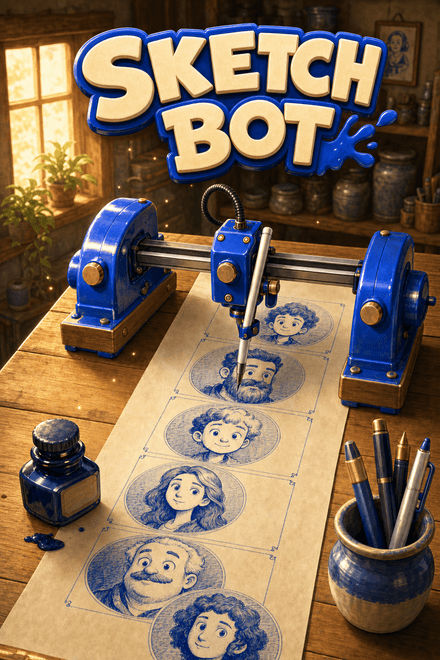 Sketch BotA robot that draws your chat, one face at a time.
 Maze MuncherThe maze chase that plays itself.
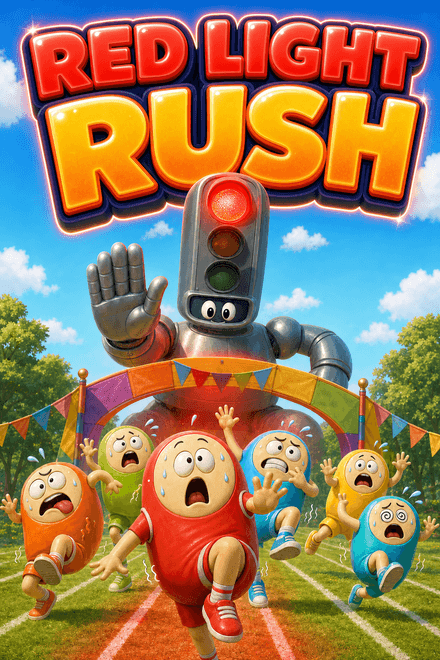 Red Light RushChat races the host. Stop when the light goes red.
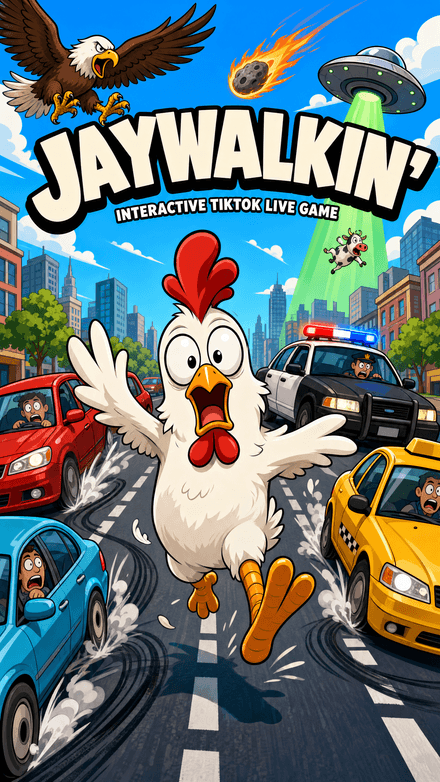 Jaywalkin'Cross the city. Your chat decides how far you get.
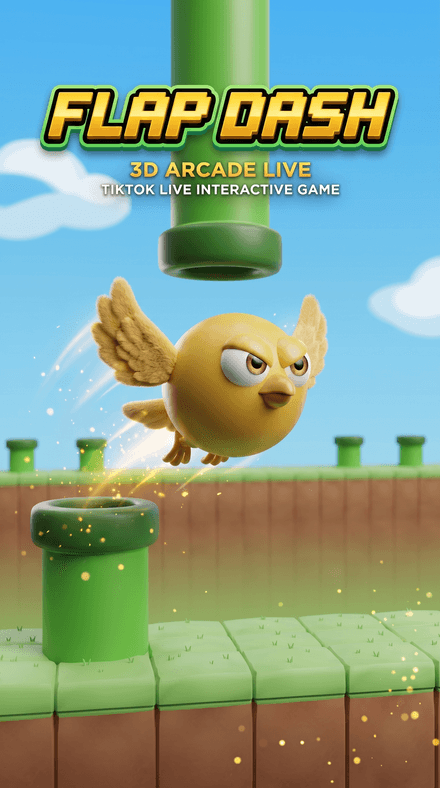 Flap DashFlap through the pipes and grab the coins in a chunky 3D world — every pipe, coin and goal is scored server-side.


