


About This Game
Feed the Shark is a hungry-shark game for TikTok LIVE. A chunky cartoon shark roams an ocean that never ends, left or right forever and down through three depth zones: the sunlit reef, the indigo twilight and a glowing abyss full of lanternfish, anglerfish and warm vents on the sea floor. Every stretch of ocean refills with fish every minute. Autoplay is on by default: the shark hunts, turns around and dives on its own while you talk to chat, and you can steer it yourself with the arrow keys, WASD or the mouse whenever you like. The big number on stream is its WEIGHT in KG, and it is the score.
Every gift is priced in kilos, in both directions, so the number you set in Studio is exactly how much a gift adds or takes. A Finger Heart sends a school of fish led by a golden fish wearing the gifter's face straight into the shark's jaws for +40 KG; a jellyfish, an electric eel, an anchor, a torpedo and an orca pod take 1, 5, 10, 20 and 40 KG back out of it. There is no floor at zero: knock the shark below it and it is STARVING, with the number in red. Likes and follows feed it for free.
A Galaxy brings THE KRAKEN: giant tentacles rise out of the deep and wrap the shark, with the sender's face on the monster's head. A ten-second countdown asks chat for one Bite Free gift; send it in time and the shark chomps through a tentacle with nothing lost. Otherwise the Kraken drags it down and spits it back up at 50 KG. Reach the goal weight and hold it for five seconds while the shark glows, and it EVOLVES into a bigger shark in a new ocean — six species, from a reef shark to a megalodon — and the next level starts at once. The ocean, the weight, the goal and every gift amount come from the ScrollPlay game server.
Features
Autoplay or Steer It Yourself
Autoplay hunts, turns and dives on its own while you talk to chat — or take over with the arrow keys, WASD or the mouse
The Weight Is the Score
Every gift is priced in kilos, so it grows or shrinks the shark by exactly as much as it moves the number
The Kraken and Bite Free
A Galaxy Kraken drags the shark into the abyss, and one gift from chat in time bites it free
Server-Verified Scoring
The ocean, the weight, the goal and every gift amount come from the ScrollPlay game server
How to Play
- 1
Download the Launcher
Install the free ScrollPlay launcher for Windows
- 2
Sign In
Create an account or sign in with your existing credentials
- 3
Connect TikTok
Link your TikTok Live stream so gifts reach the game in real time
- 4
Start Hunting
Launch Feed the Shark, leave Autoplay on if you like, and let chat feed the shark or take bites out of it
Audience Gift Mapping
Feed the shark
- Finger Heart
- Fish Feast — a school led by a golden fish with the sender's face pours into the shark's jaws: +40 KG
- Hand Heart
- Bite Free — the shark chomps out of THE KRAKEN with nothing lost; any other time, a treasure chest bursts open with +40 KG of fish
- Leon the Kitten
- Gold Frenzy — the shark turns gold and devours a golden bait ball in a whirlpool: +200 KG
- Follow
- Snack Fish — five fish led by one wearing the new follower's face: +5 KG
- Likes
- Krill — every 20 likes, a little krill swarm zips into its mouth: +1 KG
Take a bite out of it
- Rose
- jellyfish — drifts down onto the shark and zaps it: −1 KG
- Gold Boxing Gloves
- electric eel — darts up and shocks it: −5 KG
- Doughnut
- anchor drop — a little fishing boat bonks it on the head: −10 KG
- Confetti
- torpedo — a yellow submarine fires one at it: −20 KG
- Money Gun
- orca pod — three orcas ram the shark head over tail: −40 KG
- Galaxy
- THE KRAKEN — wraps the shark; unless chat sends Bite Free within ten seconds, it drags it down to 50 KG (always at least 80 KG lost)
These are the default bindings; a gift with no action bound to it does nothing. Every amount is KG and is owned by the ScrollPlay server: a help and a hurt of the same size cancel exactly. Streamers can rebind any gift or create custom actions in Studio Mode.
Gameplay: a shark your chat fights over
Feed the Shark takes the hungry-shark format from mobile games — a shark that eats everything in its path and grows — and hands its appetite to your viewers. The ocean is endless in both directions and changes as the shark swims: reefs, kelp, wrecks and rock arches in the sunlit zone, darker water and glowing life below it. Every gift is a creature you can see: a school of fish with a gifter's face at its head, a jellyfish, an eel, an anchor, a torpedo, an orca pod.
Because every gift is a number of kilos, the score is honest in both directions: the viewers feeding the shark and the viewers taking bites out of it are playing against each other with the same number. The shark's size follows its weight, so every feast visibly grows it and every hit visibly shrinks it — and the whole stream watches it happen.
Built for TikTok Live streamers
Autoplay is on by default, so Feed the Shark is a game you can leave running while you read chat; it spends most of its time in the sunlit zone and dives into the twilight and the abyss on its own, so every part of the ocean gets screen time. The finish is a chat moment of its own: at the goal the shark takes five seconds to evolve, and a single hurt that drops it below the goal stops the evolution. Studio Mode shows every action with its default gift, lets you rebind them, set your own amounts and test-fire them before you go live, and the same overlay widgets and scenes work as in every other ScrollPlay game.
Feed the Shark — frequently asked questions
Is Feed the Shark free, or do I need a Play Pass?
Feed the Shark is a Play Pass game, so it needs an active subscription on your ScrollPlay account. The launcher itself is a free Windows download, and your viewers are never charged anything beyond the gifts they choose to send.
Do I have to steer the shark the whole time?
No. Autoplay is on by default: the shark hunts, turns around and dives on its own. Steer it yourself with the arrow keys, WASD or the mouse whenever you want to take over, or turn Autoplay off in the game's settings.
What does THE KRAKEN do?
A Galaxy brings THE KRAKEN, whose tentacles wrap the shark. A ten-second countdown asks chat for the Bite Free gift; send it in time and the shark bites free with nothing lost. Otherwise the Kraken drags it down and it comes back at 50 KG, always losing at least 80 KG.
How does the shark evolve?
Reach the goal weight — 1,000 KG by default, or a preset from 250 to 5,000 — and hold it for five seconds while the shark glows; a hurt that drops it below the goal stops the evolution. A win counts on the Studio win counter, the shark evolves into the next of six species in a new ocean, and the next level starts at once.
Can I play Feed the Shark in the browser?
Yes. Feed the Shark plays in your browser on the ScrollPlay web launcher with the same account, and in the free ScrollPlay launcher for Windows.
26 games made for TikTok LIVE
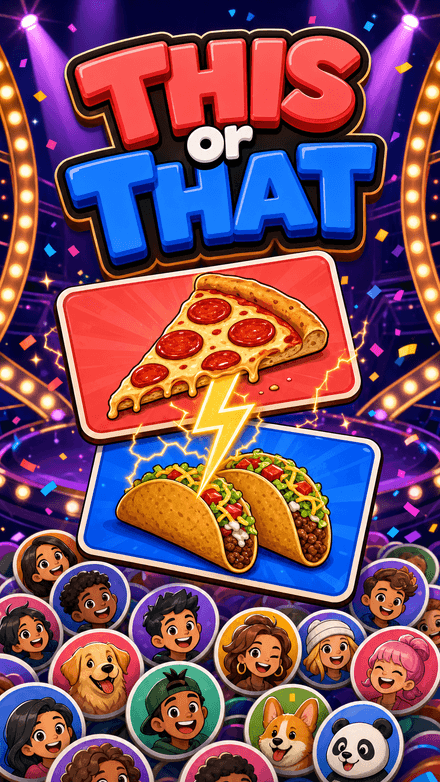 This or ThatPick a side. Your face goes on it.
 Quiz RocketOne chat. One rocket. Fifteen rungs to the Moon.
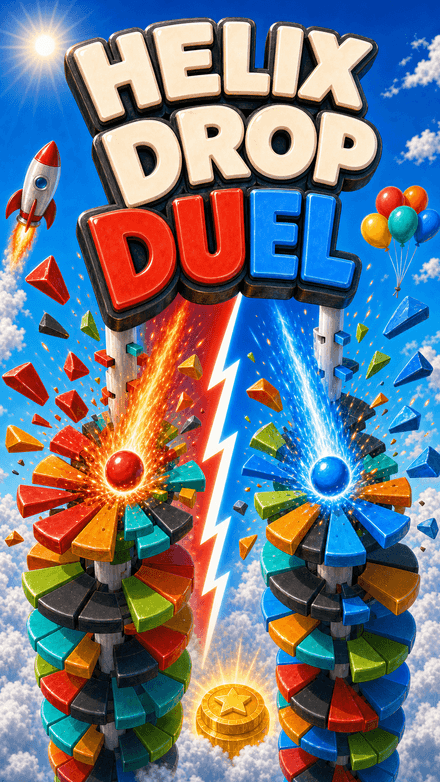 Helix Drop DuelTwo balls. Two teams. One tower.
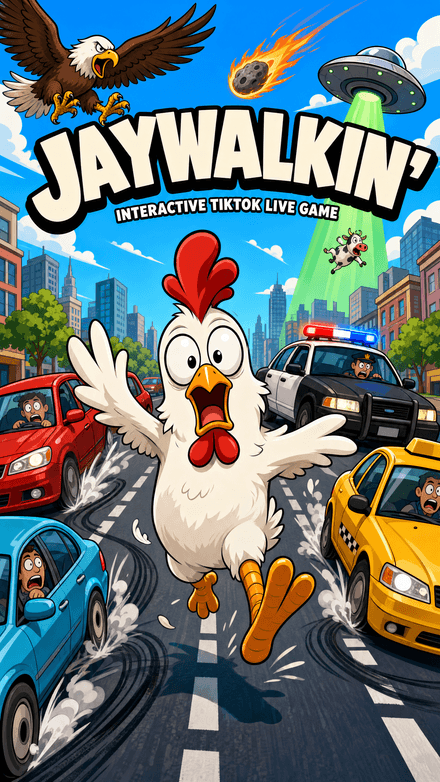 Jaywalkin'Cross the city. Your chat decides how far you get.
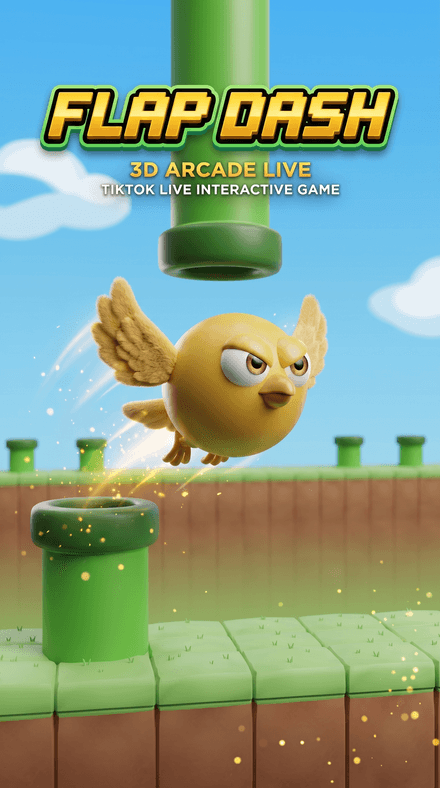 Flap DashFlap through the pipes and grab the coins in a chunky 3D world — every pipe, coin and goal is scored server-side.


