
This or That
Pick a side. Your face goes on it.


About This Game
This or That is a party game for TikTok LIVE that your chat plays by typing. One dilemma, two big picture cards: A in coral, B in blue. Viewers type A or B in chat and every voter's profile picture drops onto their side and piles up, so the room can read the vote before a single number is shown. They can change their mind until the timer runs out; then the cards reveal the split, the winning card grows, a callout lands (LANDSLIDE! or TOO CLOSE TO CALL!) and the next question deals itself. You never have to touch a thing, or click a card to cast your own crowned vote and skip a question you don't like.
Gifts change the outcome. A Rose is a Power Vote: ten votes for the sender's side, drawn as their giant face (sent before they vote, it waits for their letter). A Doughnut Flips a quarter of the leading side's voters over to the other card, Confetti throws the question out, and a TikTok blows the sender's face up for the rest of the round. Likes and follows add votes for the viewer's side too. Viewers who land on the winning side three rounds in a row become Crowd Readers and wear a crown.
The 165 questions in six categories (light, silly, food, superpowers, travel and lifestyle), the vote split and every gift amount come from the ScrollPlay game server, which deals one question at a time. The questions follow your language too, in all twelve languages.
Features
Chat Votes With One Letter
Viewers type A or B in chat, no gift needed to play, and can switch sides until the timer ends
Power Vote, Flip and Skip
Gifts add ten votes, turn a quarter of the leaders over or throw the question out
Crowd Readers Earn a Crown
Land on the winning side three rounds in a row and your face wears a crown
165 Questions From the Server
Six categories of dilemmas, dealt one at a time by the game server, with the split counted there too
How to Play
- 1
Open ScrollPlay
Play in a compatible browser on Windows, Mac, iPhone/iPad or Android, or use the Windows desktop launcher.
- 2
Sign In
Create an account or sign in with your existing credentials
- 3
Connect TikTok
Link your TikTok Live stream so chat and gifts reach the game in real time
- 4
Ask the Room
Launch This or That, pick your question categories and let chat type A or B
Audience Gift Mapping
Back a side
- Rose
- Power Vote — +10 votes for the side the sender typed, drawn as their giant face. Sent before they vote, it waits for their letter; with no sender it backs the side that is behind.
- Likes
- Bonus vote — every 50 likes from one viewer add 1 vote for their side (an in-game setting: off, 25, 50, 100 or 200).
- Follow
- Bonus vote — the follower's face gets a heart and 1 vote for their side.
Shake up the vote
- Doughnut
- Flip — 25% of the leading side's voters are turned over to the other card. They can type again to go back.
- Confetti
- Skip — throws the question out and deals the next one.
- TikTok
- Big Face — the sender's face grows for the rest of the round.
These are the default bindings; a gift with no action bound to it does nothing. Power Vote A and Power Vote B, which back one card whatever the sender typed, ship unbound. Every amount is owned by the ScrollPlay server. Streamers can rebind any gift, re-price the Power Votes and the Flip, or create custom actions in Studio Mode.
Gameplay: a vote you can see
This or That turns the classic would-you-rather into a game your whole chat plays at once. Every question is two picture cards, and every viewer who types A or B lands on screen as their own face in their side's pile, so the room splits in two before your eyes. The reveal rolls up the percentages, the winning card grows, and viewers on the smaller side get a Rare take strip of their own.
Gifts are where it gets loud. A Power Vote can swing a close round, a Flip throws the leaders' faces across in an avalanche, and the other side can answer with Power Votes of its own. A question nobody likes can be skipped with a gift, and Crowd Readers who keep reading the room wear a crown.
Built for TikTok Live streamers
This or That runs on its own clock, so it is a game you can leave running while you talk to chat about the answers. Typing a letter is how viewers join in, and gifts are how they change the outcome. Studio Mode shows every gift action with its default gift, lets you rebind them, set your own amounts and test-fire them before you go live, and the same overlay widgets and scenes work as in every other ScrollPlay game.
This or That — frequently asked questions
Is This or That free, or do I need a Play Pass?
This or That is a Play Pass game, so it needs an active subscription on your ScrollPlay account. The launcher itself is a free Windows download, and your viewers are never charged anything: typing a vote is free, and gifts are only what they choose to send.
How do my viewers vote?
They type A or B in your TikTok LIVE chat, or 1 or 2. A short line like "a!!" or "B" counts; a longer message is just chat. Each viewer has one vote per question, the latest one counts, and their face jumps across if they switch sides.
Do I have to do anything while it runs?
No. The timer runs, the cards reveal the split and the next question deals itself. You can click a card to cast your own crowned vote, or skip a question, but you never have to.
What is a Crowd Reader?
A viewer whose vote lands on the winning side three rounds in a row. Their face wears a crown until they vote with the minority, and the top three show under the round counter.
Can I play This or That in the browser?
Yes. This or That plays in your browser on the ScrollPlay web launcher with the same account, and in the free ScrollPlay launcher for Windows.
26 games made for TikTok LIVE
 Quiz RocketOne chat. One rocket. Fifteen rungs to the Moon.
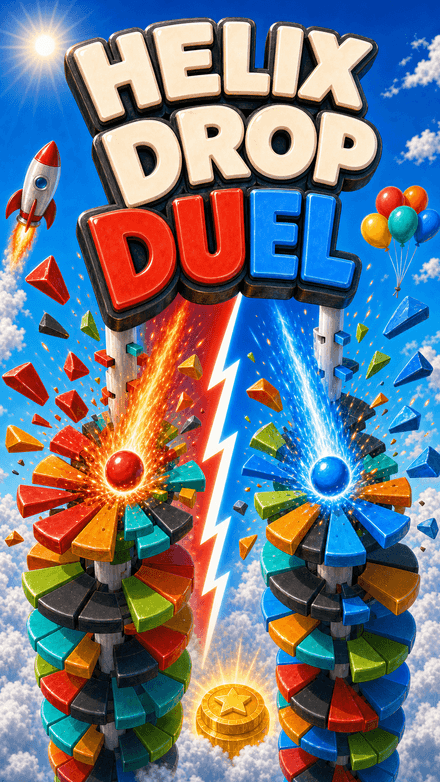 Helix Drop DuelTwo balls. Two teams. One tower.
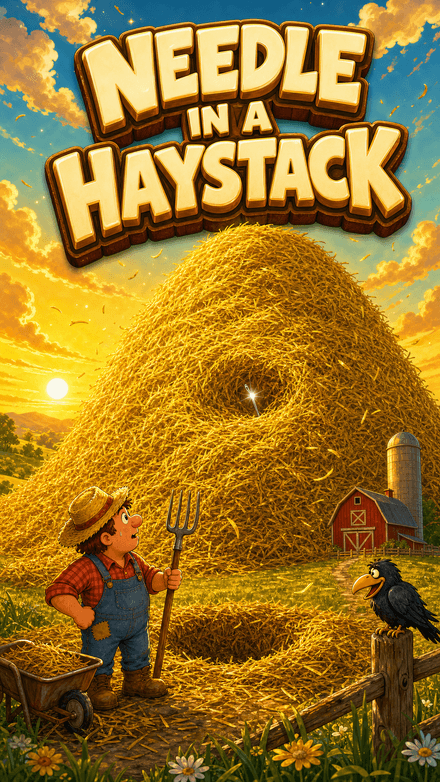 Needle in a HaystackThe hay is the distance.
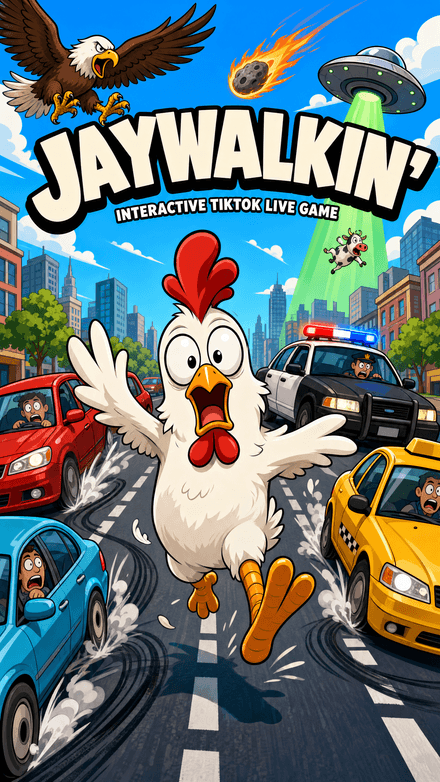 Jaywalkin'Cross the city. Your chat decides how far you get.
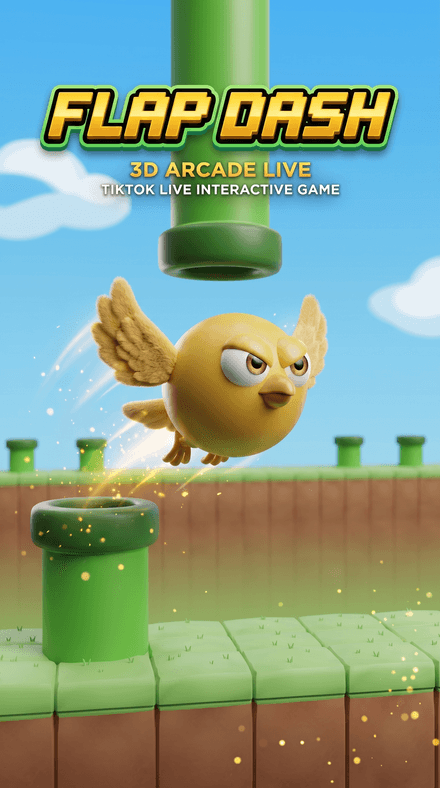 Flap DashFlap through the pipes and grab the coins in a chunky 3D world — every pipe, coin and goal is scored server-side.


