
ScrollPlay Playground
Community games, played live.
About This Game
ScrollPlay Playground is one game that plays many: official example games made by ScrollPlay, games other streamers have built and published to the Community, and any game you make yourself. Each one is a 3D level — a climb, a runner, a flyer, an arena or a two-team tug of war — with its own goal, its own controls and its own rules for your audience.
Those rules are what make it a TikTok LIVE game. A creator writes each one as a single line — when a viewer sends a Rose, push the player back three steps; when someone follows, say welcome — and when you stream the game, every viewer rule becomes an action in Studio Mode that you can rebind to the gifts your audience actually sends.
Pick a game from the Community tab on the launcher's Games page, sorted by Popular or New, and it opens in Playground on its published version. Every score, win and rule is decided by the ScrollPlay game server, the official games can play themselves with Autoplay while you talk to chat, and a game made by somebody else always shows its maker's name on screen.
Features
Community Games, Ready to Stream
Official ScrollPlay games and published community games, sorted by Popular or New, one click from the launcher
Gifts Run the Rules
Each game's rules turn gifts, likes and follows into pushes, freezes, spawns, weather and more — rebindable in Studio Mode
Plays Itself With Autoplay
Switch on Autoplay and the game plays itself while you talk to chat — press any key to take over
Decided on the Server
Scores, wins and what every rule does are worked out by the ScrollPlay server, not the game window
How to Play
- 1
Download the Launcher
Install the free ScrollPlay launcher for Windows
- 2
Sign In
Create an account or sign in with your existing credentials
- 3
Connect TikTok
Link your TikTok Live stream so gifts reach the game in real time
- 4
Pick a Game
Open the Community tab on the Games page, or press Playground in the sidebar
Audience Gift Mapping
There is no single gift list: every Playground game carries its own rules. Its creator picks the trigger — a gift, a number of likes, likes from one viewer, a follow or a follow goal — and what it does: push the player forward or back, change the score, reset the run, freeze the controls, drop something near the player, make the character giant or tiny, change the weather or the sky, play a sound, show a message or win the round.
When you stream a game, its viewer rules appear in Studio Mode → Actions with the creator's triggers as their defaults, so you can rebind any of them to the gifts your audience sends and test each one before you go live.
Only a game's published version reacts to real gifts, likes and follows. A draft, or a version still waiting for review, runs in test mode, where the Test buttons in Studio Mode still fire every rule.
Gameplay: a shelf of games in one launch
ScrollPlay Playground is built for variety. One stream can be a castle climb where chat decides how fast you go, a one-button flyer through endless pipes, and a graveyard where every Rose drops a zombie wearing the sender's name and face. Some games end on a hold — reach the top and stay there while viewers try to knock you off — and some let chat undo the last wipe with a rescue gift before its countdown runs out.
Every game keeps its score on the ScrollPlay server, counted in points, distance or steps along the level, with a wins counter and levels where the game has them. A game made by somebody else names its maker on screen, and a game whose maker allows remixes can be copied into your own Playground to change.
Built for TikTok Live streamers
Playground runs with a Play Pass in the ScrollPlay launcher for Windows and in the web launcher, next to everything else Studio Mode does: overlays, sounds and gift actions work with Playground games the same way they work with every other ScrollPlay game.
Playground is also where those games are made, with no code. See ScrollPlay Playground for creators for how a game is built, tested and published to the Community.
ScrollPlay Playground — frequently asked questions
Is ScrollPlay Playground free, or do I need a Play Pass?
Playground is a Play Pass game: playing community games and building your own both need an active subscription on your ScrollPlay account. The launcher itself is a free Windows download, and your viewers are never charged anything beyond the gifts they choose to send.
Who makes the games in Playground?
ScrollPlay publishes official example games, and any Play Pass streamer can build a game and submit it to the Community, where it is reviewed before it goes live. A game made by somebody else shows its maker's name on screen while you play it.
Why don't real gifts work in my own game?
Only a published game takes a real TikTok LIVE. A draft, or a version still waiting for review, runs in test mode: real gifts, likes and follows are ignored, while the Test buttons in Studio Mode → Actions still fire each rule, so you can try everything before you publish.
Can I change which gift does what?
Yes. Every viewer rule in a Playground game appears in Studio Mode → Actions with its creator's trigger as the default, and you can rebind it like any other ScrollPlay game action.
Can I play ScrollPlay Playground in the browser?
Yes. Playground games play in your browser on the ScrollPlay web launcher with the same account, and in the free ScrollPlay launcher for Windows.
26 games made for TikTok LIVE
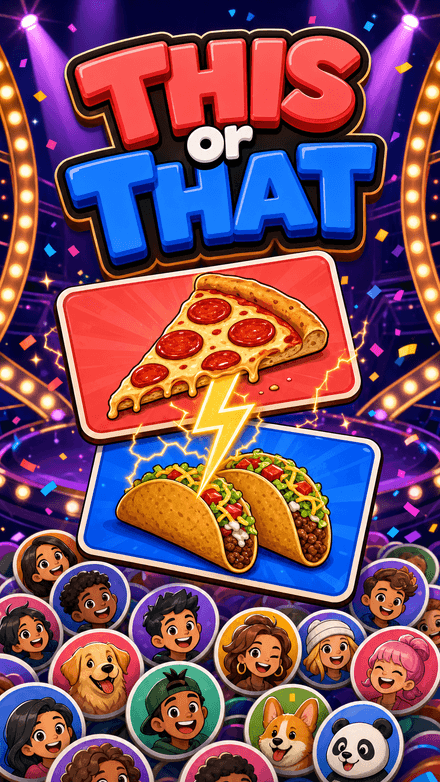 This or ThatPick a side. Your face goes on it.
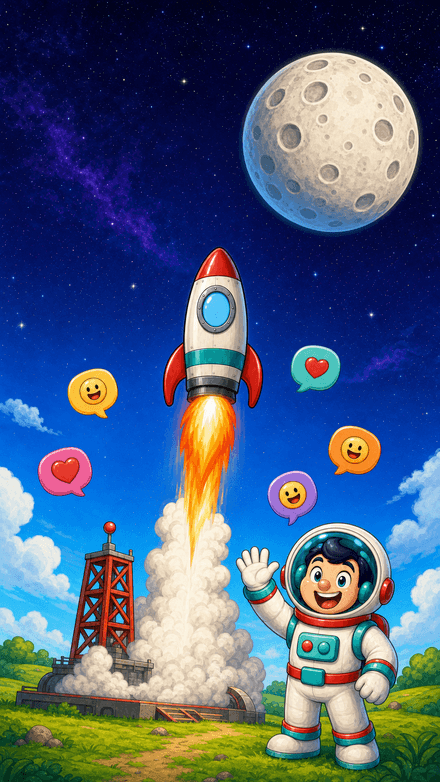 Quiz RocketOne chat. One rocket. Fifteen rungs to the Moon.
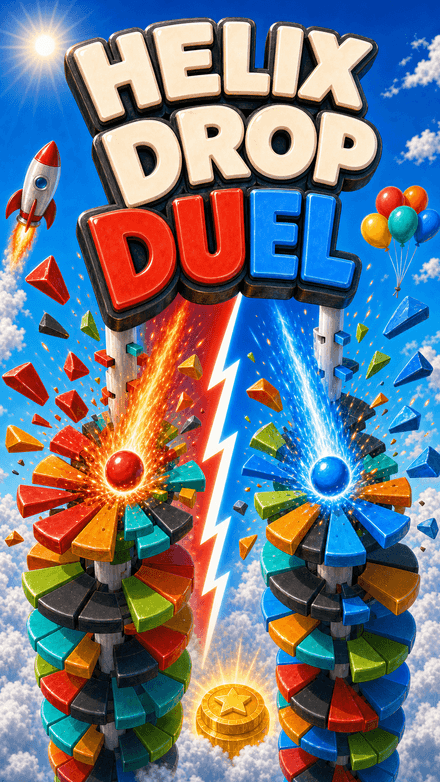 Helix Drop DuelTwo balls. Two teams. One tower.
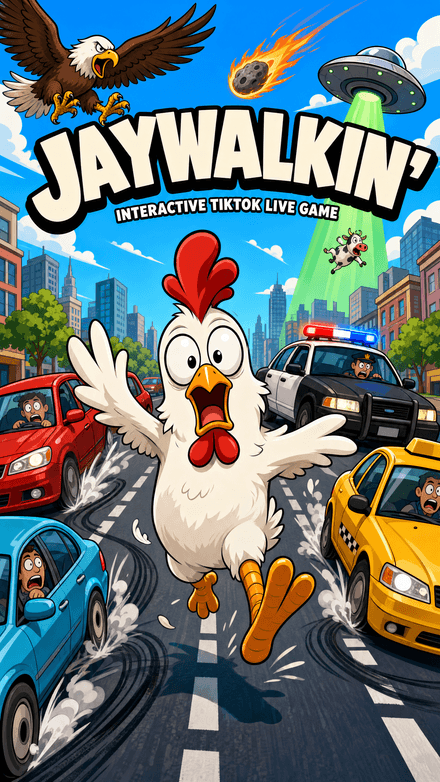 Jaywalkin'Cross the city. Your chat decides how far you get.
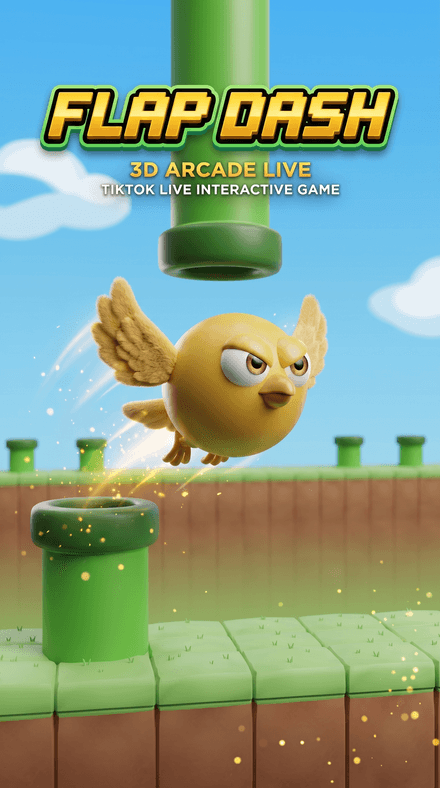 Flap DashFlap through the pipes and grab the coins in a chunky 3D world — every pipe, coin and goal is scored server-side.


