
Block Party
Every comment is a dancer. Every dancer gets rated.


About This Game
Block Party turns your TikTok LIVE chat into a dance floor. Anyone who comments drops onto the floor as a blocky dancer with their name on it, and the whole crowd dances the same moves on the same beat, flash-mob style. One at a time the camera moves in on each new dancer, a rating spins through the numbers and lands on their score out of 10, and a reaction pops over their head. A viewer who types mc and their Minecraft Java username dances in their own skin and gets a fresh rating. It runs itself completely, so you can talk to chat the whole time.
The crowd is the goal. Keep enough people dancing to unlock the next venue: Back Yard, Block Party, Club, Rooftop, Festival and Stadium, each a bigger, brighter set. Every comment refills a dancer's energy and every like adds more; dancers whose chat goes quiet wave goodbye and walk off until they type again. When the crowd reaches the next venue's size a build-up starts, and if it holds until the drop the party moves up. If it dips, the party fizzles and the build-up starts over.
Gifts are effects on the sender's own dancer: Skip the Line, a 3-Second Scene in the spotlight, Giant and Super Giant, a Float cloud, a Re-rate, VIP, an Encore that refills everyone, or the Headliner spot on stage. No gift adds dancers and no gift sets a rating. A Galaxy cuts the power: unless someone sends the Generator before the countdown ends, the party drops a venue and everyone's energy is halved. The dancers, the ratings, the venues and every gift effect live on the ScrollPlay game server.
Not an official Minecraft product. Not approved by or associated with Mojang or Microsoft.
Features
Chat Is the Party
Every comment drops a viewer onto the dance floor, no gift needed, and the whole crowd dances in sync
Rate My Skin
The camera moves in on each new dancer and a rating spins to their score out of 10
Six Venues to Unlock
Keep enough people dancing to climb from the Back Yard to the Club, the Festival and the Stadium
Power Cut and Generator
A Galaxy cuts the power, and one gift in time keeps the party where it is
How to Play
- 1
Open ScrollPlay
Play in a compatible browser on Windows, Mac, iPhone/iPad or Android, or use the Windows desktop launcher.
- 2
Sign In
Create an account or sign in with your existing credentials
- 3
Connect TikTok
Link your TikTok Live stream so comments, likes and gifts reach the game in real time
- 4
Start the Party
Launch Block Party and tell chat to type anything to join the dance floor
Audience Gift Mapping
Free to join
- Comment
- Joins the dance floor and refills the dancer's energy. Typing mc and a Minecraft Java username also puts that player's skin on the dancer.
- Likes
- Keep a dancer on the floor longer, and join a viewer who only likes.
- Follow
- Welcome Aura — the new follower dances in a glowing aura with a FOLLOWED banner.
Your dancer in the spotlight
- Rose
- Skip the Line — a glowing aura, and the sender jumps to the front of the rating line.
- Finger Heart
- 3-Second Scene — the floor dims, a spotlight finds the sender and the camera moves in for a solo.
- Rosa
- Giant — the sender's dancer grows to giant size.
- Perfume
- Float — the sender's dancer rises above the crowd on a little cloud, higher with each one.
- Doughnut
- Super Giant — an even bigger dancer, with a ground-shake.
- Confetti
- Re-rate — a new rating spin, next on camera. The new number can go down.
- Cap
- VIP — a gold solo, then a giant dancer with a VIP badge behind the crowd.
- Leon the Kitten
- Headliner — fireworks, and the sender takes the stage as a giant while the crowd copies their solo.
The whole party
- Corgi
- Encore — confetti cannons, and every dancer's energy goes back to full.
- Galaxy
- Power Cut — a fuse box sparks and a countdown starts. Unless the Generator arrives in time, the party drops one venue and everyone's energy is halved.
- Hand Heart
- Generator — sent during a Power Cut's countdown, the lights come back and nothing is lost.
These are the default bindings. A gift with no action bound to it joins its sender to the dance floor. Every effect and duration is owned by the ScrollPlay server. Streamers can rebind any gift in Studio Mode, and set the venue sizes, the rescue window and how long dancers stay in the game's settings.
Gameplay: a dance floor your chat fills
Block Party is a crowd game: the more people comment, the bigger the party gets. Every viewer who types lands on the floor as their own blocky dancer, the crowd dances the same routine on the beat, and the unlit tiles in front of the crowd show how many more dancers the next venue needs. Each new dancer gets their moment on camera with a rating out of 10, from a sad trombone to a PERFECT with confetti.
Gifts put a viewer's own dancer in the spotlight: giant, floating, VIP or the Headliner on stage, and the viewer who gifts the most wears the crown. A Power Cut can knock the whole party down a venue unless someone answers it with the Generator in time.
Built for TikTok Live streamers
Block Party runs on its own, so you can leave it running while you talk to chat. Commenting is how viewers join, likes keep them dancing, and gifts are how they stand out. Studio Mode shows every gift action with its default gift, lets you rebind them and test-fire them before you go live, and the same overlay widgets and scenes work as in every other ScrollPlay game.
Block Party — frequently asked questions
Is Block Party free, or do I need a Play Pass?
Block Party is a Play Pass game, so it needs an active subscription on your ScrollPlay account. The launcher itself is a free Windows download, and your viewers are never charged anything: commenting to join is free, and gifts are only what they choose to send.
How do viewers dance in their own skin?
They type mc followed by their Minecraft Java username in your TikTok LIVE chat, for example "mc Steve" (!mc, /mc and mc: work too). The ScrollPlay server looks the skin up and puts it on their dancer, and the new look earns a fresh rating. Only Java Edition skins can be looked up; Bedrock players dance in a built-in skin. If no skin is found the dancer keeps its built-in look, and you can switch own skins off in the game's settings.
Do I have to do anything while it runs?
No. Viewers join by commenting, the camera rates each new dancer on its own, and the venue moves up when the crowd holds through the build-up. You can pick a dance, spotlight a viewer or start a crowd tour from the settings, but you never have to.
How are the venues unlocked?
Each venue needs a number of dancers on the floor at once. When the crowd reaches it a build-up starts, and if the crowd holds until the drop the party moves up: Back Yard, Block Party, Club, Rooftop, Festival and Stadium. Venue sizes are a setting (Auto, Small, Medium or Large), so a small stream can climb too.
Is Block Party an official Minecraft product?
No. Block Party is a ScrollPlay game. Not an official Minecraft product. Not approved by or associated with Mojang or Microsoft. The venues, the built-in skins, the dances and the music are ScrollPlay's own.
Can I play Block Party in the browser?
Yes. Block Party plays in your browser on the ScrollPlay web launcher with the same account, and in the free ScrollPlay launcher for Windows.
27 games made for TikTok LIVE
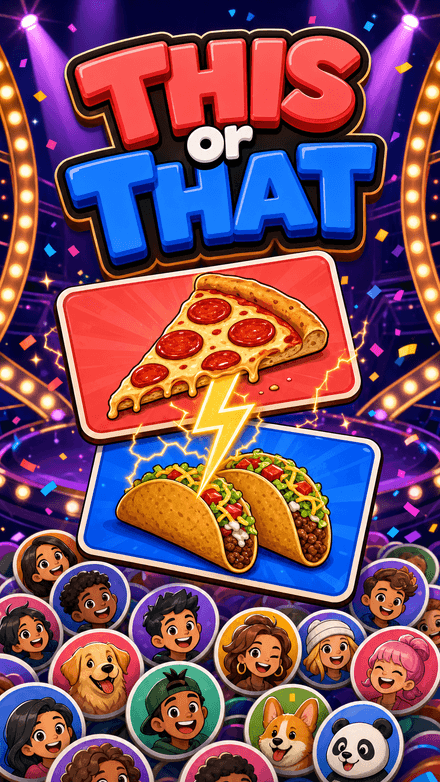 This or ThatPick a side. Your face goes on it.
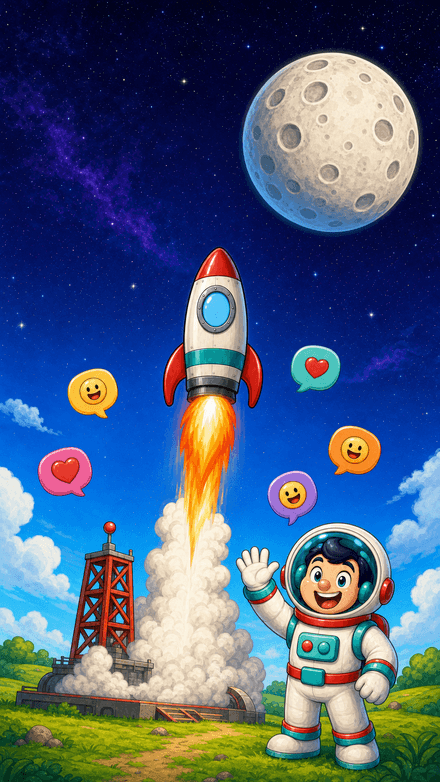 Quiz RocketOne chat. One rocket. Fifteen rungs to the Moon.
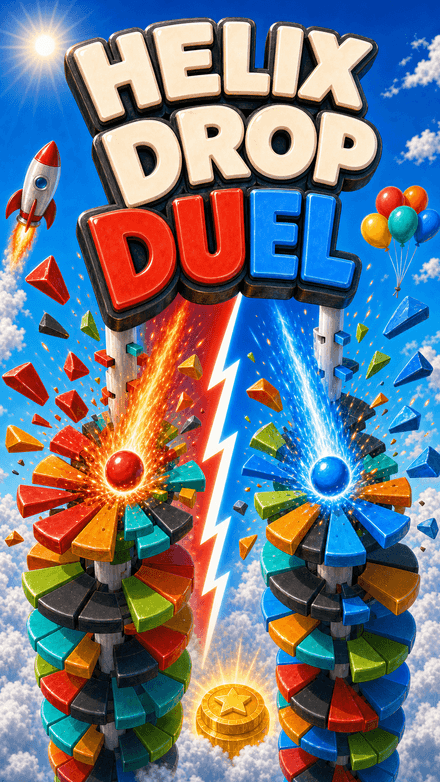 Helix Drop DuelTwo balls. Two teams. One tower.
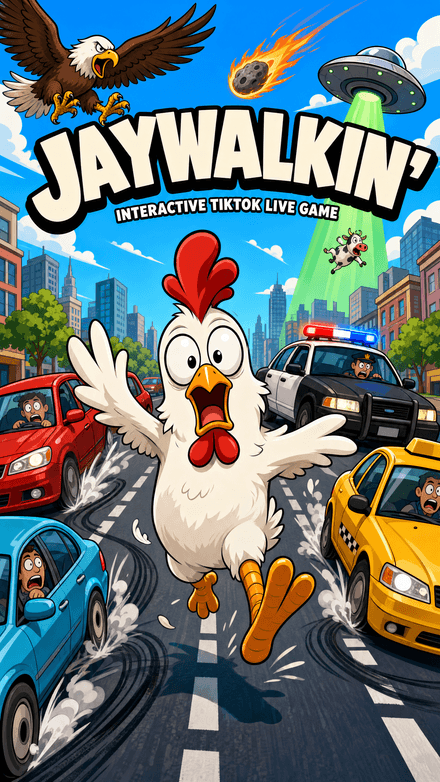 Jaywalkin'Cross the city. Your chat decides how far you get.
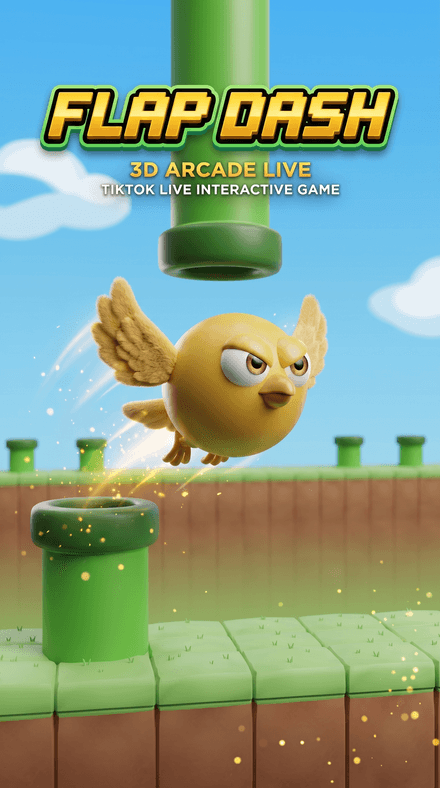 Flap DashFlap through the pipes and grab the coins in a chunky 3D world — every pipe, coin and goal is scored server-side.


