
Maze Muncher
The maze chase that plays itself.


About This Game
Maze Muncher is a maze chase that plays itself. Munchi, a round fluffy critter, clears a glowing maze floor dot by dot on its own while your TikTok LIVE chat sends spooks wearing their own faces to catch it. The big number is DOTS EATEN: one dot is one step of the maze, so every gift's amount is literally how many dots it eats or spills back, and a gift of the same size in the other direction cancels it exactly. Clear a floor and Munchi dives through the exit into the next, bigger one, and the maze changes as it climbs. Knocked back far enough, Munchi drops into the basement floors below the start.
Nobody has to do anything. House spooks patrol every floor and catch Munchi on some of them, and sometimes one beats Munchi to the gold exit, so the run can go wrong with nobody gifting. A catch only spills some dots back out: there is no game over. Pick a goal floor; when Munchi clears it the gold exit opens and Munchi runs for the gate while a countdown ticks, and a gift that knocks the dots back before it ends blocks the exit. Reach the gate and that is a win, and the next goal moves further up. Autoplay is a setting: it is on by default, and switched off you drive Munchi yourself with the arrow keys, WASD or a swipe.
Gifts are the spooks. Each hurt gift sends a spook wearing the sender's own TikTok picture that bonks Munchi and spills dots, and the bigger the gift, the bigger the spook, up to a Mega Spook that rolls through the corridor. A Finger Heart turns Munchi into a turbo that inhales a long line of dots, and every 20 likes send a little wisp while every follow drops a cherry with the follower's face. A Galaxy brings the Ghost Storm: unless someone sends the Power Pellet before the countdown ends, every dot on the floor is blown back out. Every maze floor, every dot and every gift amount is worked out on the ScrollPlay game server.
Features
Plays Itself
Munchi clears every floor on its own, so you can talk to chat the whole time, or switch Autoplay off and drive
Spooks Wearing Their Faces
Every hurt gift sends a spook with the sender's TikTok picture to bonk Munchi and spill dots
One Number: Dots Eaten
Every gift is a literal number of dots, and a gift in each direction of the same size cancels exactly
Ghost Storm and Power Pellet
A Galaxy threatens to blow the whole floor away, and one gift in time saves it
How to Play
- 1
Open ScrollPlay
Play in a compatible browser on Windows, Mac, iPhone/iPad or Android, or use the Windows desktop launcher.
- 2
Sign In
Create an account or sign in with your existing credentials
- 3
Connect TikTok
Link your TikTok Live stream so likes, follows and gifts reach the game in real time
- 4
Start Munching
Launch Maze Muncher and Munchi starts clearing the first floor on its own while chat joins in with gifts, likes and follows
Audience Gift Mapping
Free to play
- Likes
- Wisp — every 20 likes by default, a little wisp tagged with the liker's name nibbles a dot back out.
- Follow
- Cherry — a cherry wearing the follower's face drops into the maze, and Munchi detours to eat it for a few extra dots.
Spooks that bonk Munchi
- Rose
- Ghostling — a tiny spook wearing the sender's face pops out of the wall and bonks Munchi.
- Gold Boxing Gloves
- Chaser — a fast spook streaks out of a tunnel and slams Munchi.
- Doughnut
- Big Spook — a bigger spook body-slams Munchi.
- Confetti
- Spook Pack — a swarm of spooks, every one wearing the sender's face.
- Money Gun
- Mega Spook — a spook as wide as the corridor rolls through and flattens Munchi, the heaviest knock.
Help for Munchi
- Finger Heart
- Turbo Munch — Munchi glows white-hot and inhales a long line of dots at turbo speed, credited to the sender.
- Leon the Kitten
- Mega Munch — Munchi grows to fill the corridor and eats straight through floors, with the sender's face on a banner.
The Ghost Storm
- Galaxy
- Ghost Storm — the lights go out and a storm cloud wearing the sender's face swirls over the maze. Unless the Power Pellet arrives in time, every dot of the floor is blown back out and Munchi is blown back to the start.
- Hand Heart
- Power Pellet — sent during the storm's countdown, a giant pellet drops, Munchi eats the storm and nothing is lost.
These are the default bindings. A gift with no action bound to it does nothing. Every amount is owned by the ScrollPlay server. Streamers can rebind any gift in Studio Mode, and in the game's settings set the goal, the difficulty, the rescue window and the exit countdown, or switch Autoplay off.
Gameplay: a maze chase your chat fights
Maze Muncher is an arcade maze chase built for live streams. Munchi eats the glowing dots of a floor generated on the ScrollPlay server while house spooks patrol the corridors. When viewers send gifts, spooks wearing the sender's face arrive from the walls and tunnels and bonk Munchi, and dots spill back out. Floors get bigger and the world changes as Munchi climbs, from a candy arcade to a neon city and beyond.
Because the score is dots, a gift's number means something everyone can read: a spook that spills dots can be answered by a gift that eats the same number back. The Ghost Storm gives the audience a paid way to save the floor with a Power Pellet, and a gold exit on the goal floor turns every win into a moment chat can wreck.
Built for TikTok Live streamers
Maze Muncher runs on its own by default, so you can leave it running while you talk to chat. Pick the goal floor and Munchi does the rest. Prefer to drive? Switch Autoplay off in the settings and steer Munchi with the arrow keys, WASD or a swipe. Studio Mode shows every gift action with its default gift, lets you rebind them and test-fire them before you go live, and the same overlay widgets and scenes work as in every other ScrollPlay game.
Maze Muncher — frequently asked questions
Is Maze Muncher free, or do I need a Play Pass?
Maze Muncher is a Play Pass game, so it needs an active subscription on your ScrollPlay account. The launcher itself is a free Windows download, and your viewers are never charged anything: likes and follows are free, and gifts are only what they choose to send.
Do I have to do anything while it runs?
No. By default Munchi eats on its own, the house spooks come and go, and the floors keep coming. You can set the goal floor, the difficulty, the rescue window and the exit countdown in the settings, but you never have to. If you would rather play, switch Autoplay off and drive Munchi with the arrow keys, WASD or a swipe.
Can Munchi lose?
There is no game over. House spooks catch Munchi on some floors and sometimes one beats it to the gold exit, and viewers' gifts can knock it back. Each time some dots spill back out and Munchi keeps going, even down into the basement floors below the start. The same dots can be eaten back.
What are the Ghost Storm and the Power Pellet?
A Galaxy gift books a Ghost Storm that will blow every dot of the floor back out when its countdown ends. During the countdown a Power Pellet card names the gift that saves it: send it in time and Munchi eats the storm and nothing is lost. The rescue window is a setting, so you can match it to your stream delay.
What do viewers do without gifts?
Likes and follows do something by default. Every 20 likes send a wisp tagged with the liker's name that nibbles a dot, and every follow drops a cherry wearing the follower's face for Munchi to eat. A gift nobody has bound to an action does nothing.
Can I play Maze Muncher in the browser?
Yes. Maze Muncher plays in your browser on the ScrollPlay web launcher with the same account, and in the free ScrollPlay launcher for Windows.
30 games made for TikTok LIVE
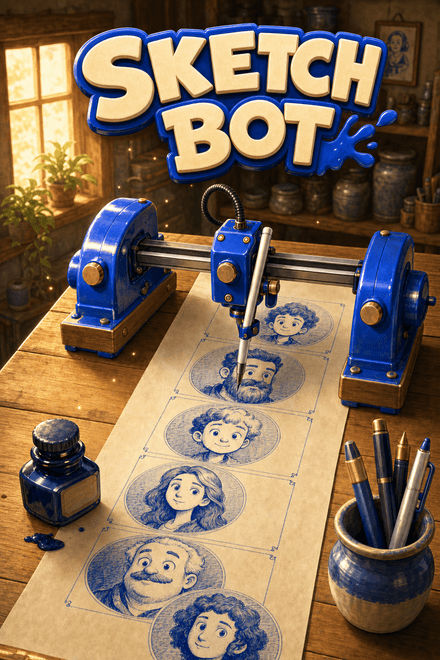 Sketch BotA robot that draws your chat, one face at a time.
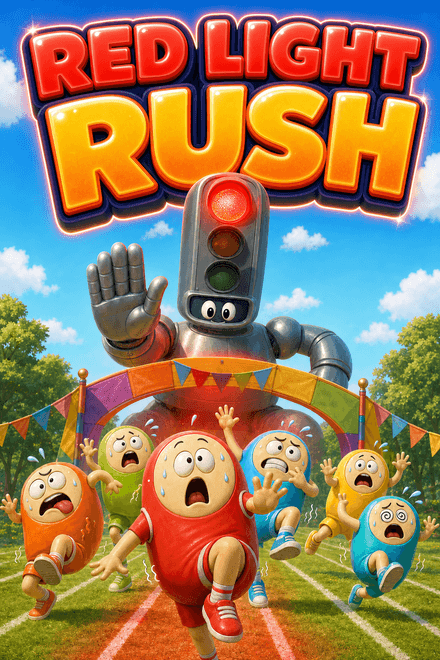 Red Light RushChat races the host. Stop when the light goes red.
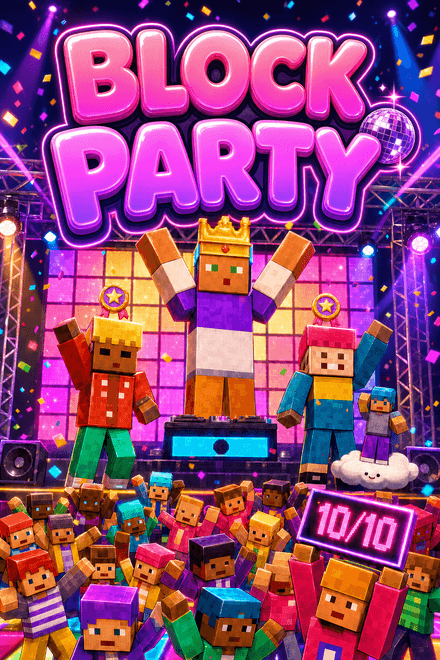 Block PartyEvery comment is a dancer. Every dancer gets rated.
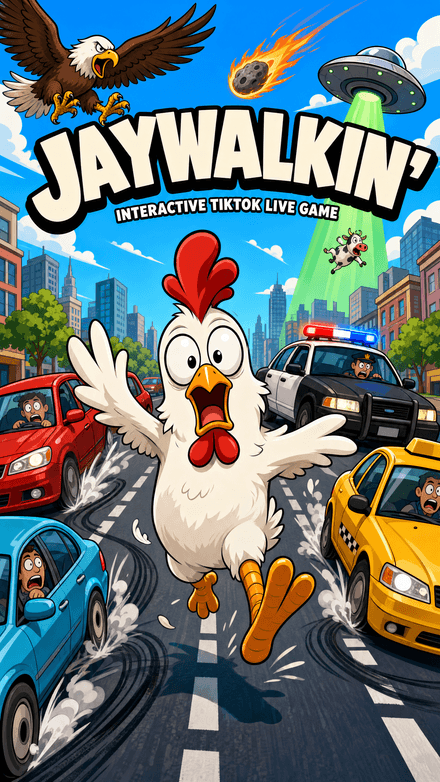 Jaywalkin'Cross the city. Your chat decides how far you get.
 Flap DashFlap through the pipes and grab the coins in a chunky 3D world — every pipe, coin and goal is scored server-side.


